
To check whether a port is open, start by confirming that an application is listening on that port locally. Then test whether another device can reach it over the network. A port may be listening on the computer yet remain unreachable because of a firewall, router rule, VPN, or cloud security group.
For a quick TCP test, use Test-NetConnection on Windows or nc (Netcat) on macOS and Linux. To inspect local listeners, use tools such as netstat or ss.
What an open port means
A port is a numbered endpoint used by network services. Web servers commonly use TCP port 80 or 443, for example, while SSH usually uses TCP port 22. DNS often uses port 53.
When someone says a port is “open,” they may be referring to either of these conditions:
- Listening locally: A program on the device is waiting for connections on that port.
- Reachable remotely: Another device can connect to the port through the network and any firewall controls.
A successful local check doesn’t prove that the port is accessible from the internet, or even from another device on your LAN.
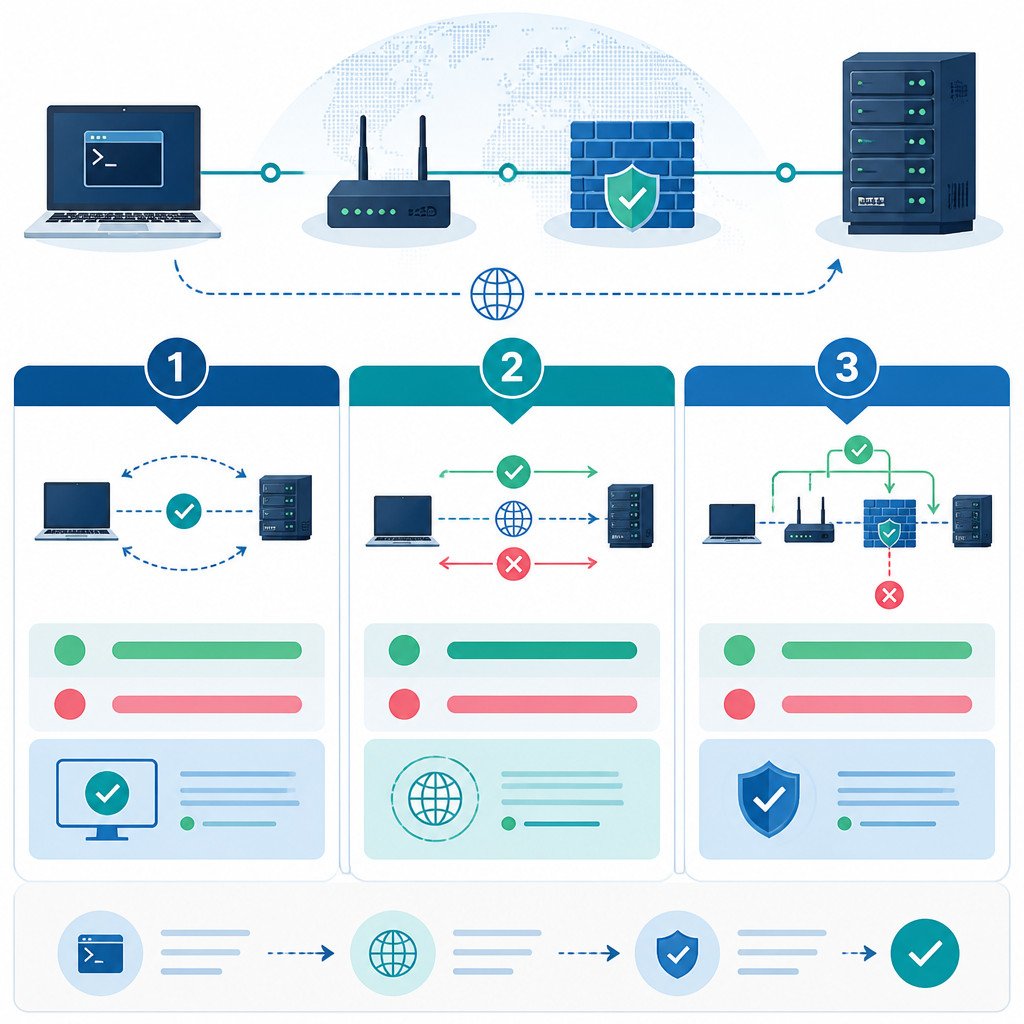
How to check if a port is open on Windows
Test a remote TCP port with PowerShell
PowerShell includes Test-NetConnection, a convenient built-in command for testing a TCP service.
Test-NetConnection example.com -Port 443Replace example.com with the hostname or IP address you want to test, and replace 443 with the target TCP port. Check the output for:
TcpTestSucceeded : TrueTrue means the TCP connection reached the target port. A result of False may mean the port is closed, filtered, or blocked. It can also indicate that the host is unavailable or no route exists.
To test another device on your local network, run:
Test-NetConnection 192.168.1.50 -Port 3389Check whether a port is listening on your PC
Open Command Prompt as a regular user and enter:
netstat -ano | findstr :8080This command checks port 8080. If the result contains LISTENING, a process is accepting TCP connections on that port.
TCP 0.0.0.0:8080 0.0.0.0:0 LISTENING 1234The last number is the process ID, or PID. To identify the application associated with it, use:
tasklist /FI "PID eq 1234"PowerShell offers another option:
Get-NetTCPConnection -LocalPort 8080 -State ListenHow to check if a port is open on macOS
Test a TCP port with Netcat
macOS includes Netcat, which is usually available through the nc command. Open Terminal and run:
nc -vz example.com 443These options control the test:
-vdisplays detailed output.-zscans without sending application data.
A successful result will typically say that the connection to the host and port succeeded. If you see Connection refused, the host responded, but no service is accepting connections on that port. A timeout often points to firewall filtering, a routing problem, or an offline host.
Find services listening locally
To check whether your Mac has a local TCP listener on a particular port, run:
lsof -nP -iTCP:8080 -sTCP:LISTENIf an application is listening on port 8080, the command displays its process name, PID, user, and address.
How to check if a port is open on Linux
Use ss to inspect local listening ports
On most current Linux distributions, ss is preferred to the older netstat command:
sudo ss -ltnp '( sport = :8080 )'This checks for a TCP service listening on port 8080. When permissions allow, it also shows which process owns the socket. To list every listening TCP and UDP socket, use:
sudo ss -ltnupTest another host with Netcat
If Netcat isn’t already available, install it and then run:
nc -vz 192.168.1.50 22This tests whether SSH port 22 is reachable on the target device. On many Linux systems, you can also use Bash:
timeout 5 bash -c '</dev/tcp/example.com/443' && echo "Open" || echo "Closed or filtered"This approach tests TCP only, and it may not work with every shell configuration.
TCP and UDP port tests
| Protocol | Connection behavior | Can an open port be confirmed easily? |
|---|---|---|
| TCP | Uses a connection handshake. | Usually yes. A successful connection is strong evidence that the port is reachable. |
| UDP | Connectionless; no handshake is required. | Not always. No response can mean filtering, packet loss, or a service that simply doesn’t reply. |
Testing UDP calls for protocol-aware tools or a known service that returns a response. A DNS query, for instance, can help validate UDP port 53. A generic UDP scan may still be inconclusive.
Why a listening port can still fail remote tests
- Windows Defender Firewall, the macOS firewall, or Linux firewall rules may block inbound traffic.
- The service may listen only on localhost, such as
127.0.0.1:8080, instead of the LAN or public interface. - The router may not have port forwarding configured for inbound internet connections.
- A cloud firewall or security group may block the port on a VPS or cloud instance.
- Carrier-grade NAT prevents direct inbound connections on many home internet plans.
- The wrong IP address or protocol may be under test.
How to verify the result
- Confirm that the service is listening locally with
ss,lsof,netstat, orGet-NetTCPConnection. - Test the service from a second device connected to the same local network.
- Review the host firewall and allow the required port and protocol.
- If the service needs internet access, test it from an external network, such as mobile data.
- Check the router’s port-forwarding settings and any cloud-provider firewall rules.
Don’t test a public IP from inside the same home network and treat the result as definitive. Some routers don’t support NAT loopback, also known as hairpin NAT. Use a genuinely external connection for the test instead.
Common port-testing mistakes
- Testing a UDP service with a command that supports TCP only.
- Assuming
LISTENINGmeans the port is publicly exposed. - Overlooking a service that’s bound only to
127.0.0.1or::1. - Using an external port-check website for a service that should stay private.
- Opening ports unnecessarily instead of limiting access by IP address, VPN, or authentication.
FAQ
How do I know if a port is blocked or closed?
With TCP, Connection refused usually means the target host is reachable, but no service is listening on the port. A timeout often suggests firewall filtering, a routing issue, or an offline host. Since these outcomes can overlap, check both the service and firewall on the target system.
Can I check if a port is open without installing software?
Yes. Windows includes the PowerShell command Test-NetConnection, while macOS provides nc and lsof. Many Linux distributions include ss, though Netcat may need to be installed on some systems.
Is it safe to leave a port open?
Expose only the ports a service requires. Keep that service patched, use strong authentication, restrict source IP addresses where possible, and consider a VPN for administrative services such as SSH or Remote Desktop.
