Skip to content

Techies Diary

  • 🔥Tech Trends
  • How To
  • Fixed Issues
  • Tech Wiki
  • Topics
    • Webstories
    • Tools
    • Websites
  • Must Have
    • 30+ Essential Apps for Windows
    • 20+ Excel Formulas (Advanced)
    • 100+ Use of Popular Emojis
  • About Us
    • Contact Us
    • Privacy Policy
    • Disclaimer
Techies Diary

Techies Diary

  • 🔥Tech Trends
  • How To
  • Fixed Issues
  • Tech Wiki
  • Topics
    • Webstories
    • Tools
    • Websites
  • Must Have
    • 30+ Essential Apps for Windows
    • 20+ Excel Formulas (Advanced)
    • 100+ Use of Popular Emojis
  • About Us
    • Contact Us
    • Privacy Policy
    • Disclaimer

Solved Problems

The “Solved Problems” category on our website provides solutions and explanations to a wide range of problems across various subjects. This includes solutions to mathematical problems, coding challenges, physics problems, and more. Our team of experts has curated this content to provide clear and detailed solutions to these problems. This category is perfect for students, professionals, and anyone looking to improve their problem-solving skills.

How ToSolved Problems
ce5b3a08 5e5c 4f3c 90b6 f3b4c277966a

How to Convert SVG to PNG Without Losing Quality

November 19, 2026

Learn how to convert SVG files to high-quality PNG images on Windows, Mac, and Linux using browser tools, Inkscape, ImageMagick, and online converters.

Read More
How ToSolved Problems
c00c1316 a110 4b12 8a5a ae9248cfd6ab

VirusTotal Review: How to Scan Files and URLs Safely

November 16, 2026

VirusTotal is a useful multi-engine malware scanning service for suspicious files, URLs, domains, and IP addresses. Learn how it works, how to interpret detections, and what not to upload.

Read More
Solved Problems
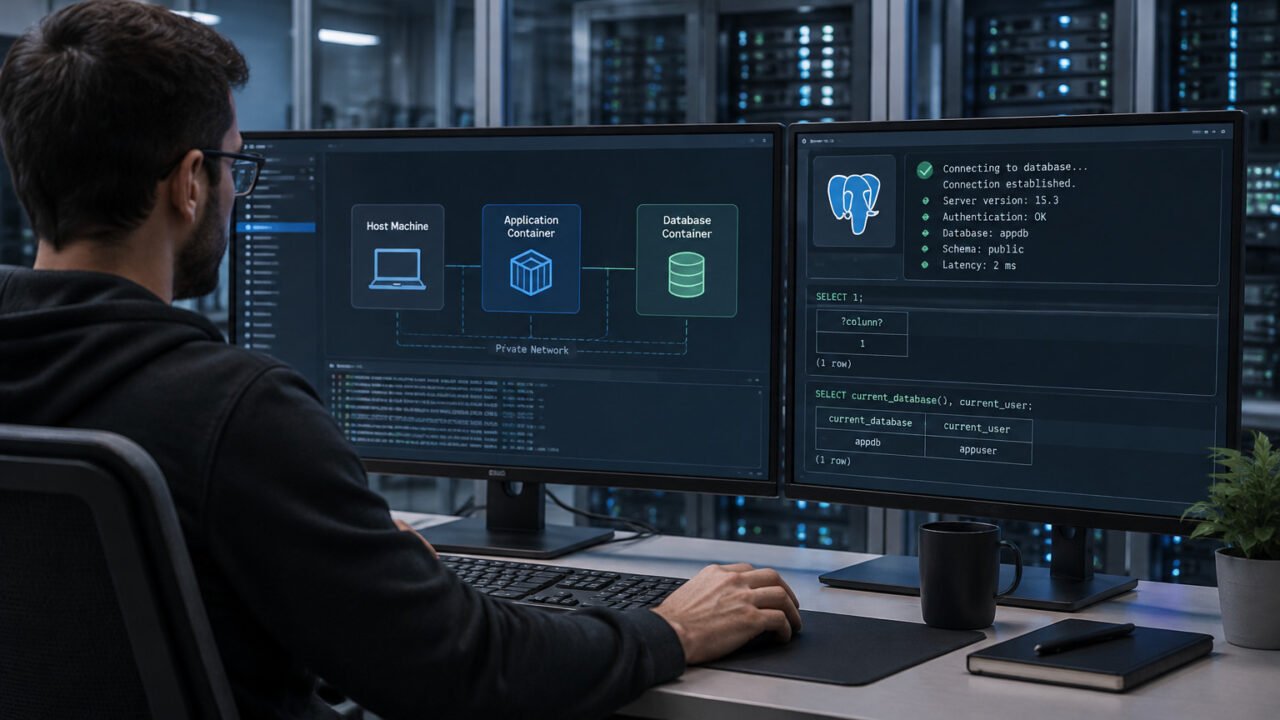
A Docker Compose application connecting to a PostgreSQL database through the correct internal network path.

PostgreSQL Connection Refused in Docker Compose? Diagnose Hostnames, Ports, Listening Addresses, and Access Rules in Order

November 15, 2026

A PostgreSQL connection error in Docker Compose usually comes down to using the wrong network location, port, listening address, or access rule. Diagnose the exact error first, then test from the same place as the application before changing database settings.

Read More
How ToSolved Problems
2a8b7a5c 6ed5 4cc9 b86d d67ca87aedcd

How to Stop Microsoft Edge From Opening New Tabs by Itself

November 12, 2026

Stop Microsoft Edge from opening unwanted new tabs by checking startup settings, extensions, notifications, search settings, and possible adware.

Read More
How ToSolved Problems
5f64ecb4 64f7 427d 9add f9db535740a6

How to Create and Use Chrome Profiles for Work and Personal Browsing

November 9, 2026

Learn how to create, switch, customize, and remove Google Chrome profiles to keep work, personal, school, and shared browsing separate on one computer.

Read More
Solved Problems
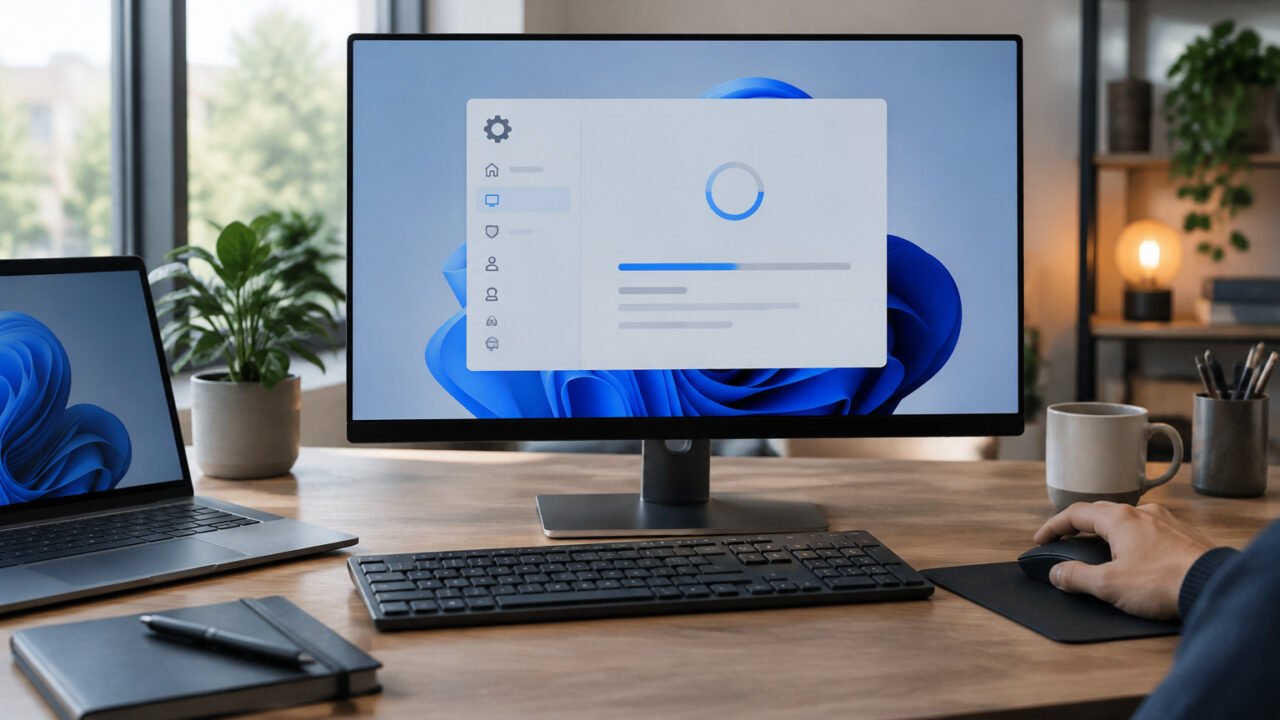
A careful recovery workflow can reverse the smallest plausible change after an update-related Windows problem.

A Windows Update Broke Your PC? Roll Back a Driver, Uninstall the Update, or Use System Restore

November 6, 2026

When a Windows 11 problem begins immediately after an update, start with the narrowest reversible fix. Roll back one affected driver, uninstall one likely Windows update, or use System Restore when several recent changes make the cause unclear.

Read More
How ToSolved Problems
d2427301 f400 4438 90f3 0b6056c63604

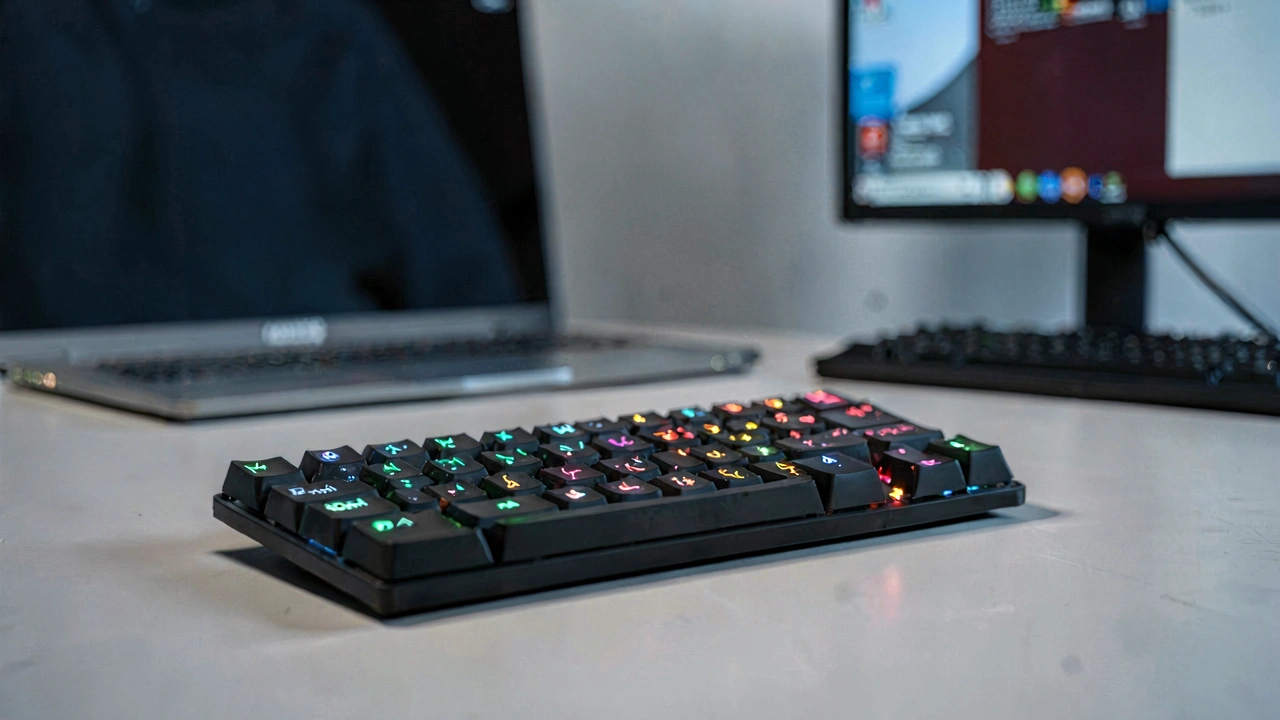
How to Fix a Keyboard Typing Wrong Characters on Windows, Mac, and Chromebook

November 5, 2026

Fix a keyboard that types the wrong letters, symbols, or numbers by checking the keyboard layout, Num Lock, language settings, accessibility features, drivers, and hardware connection.

Read More
Solved Problems
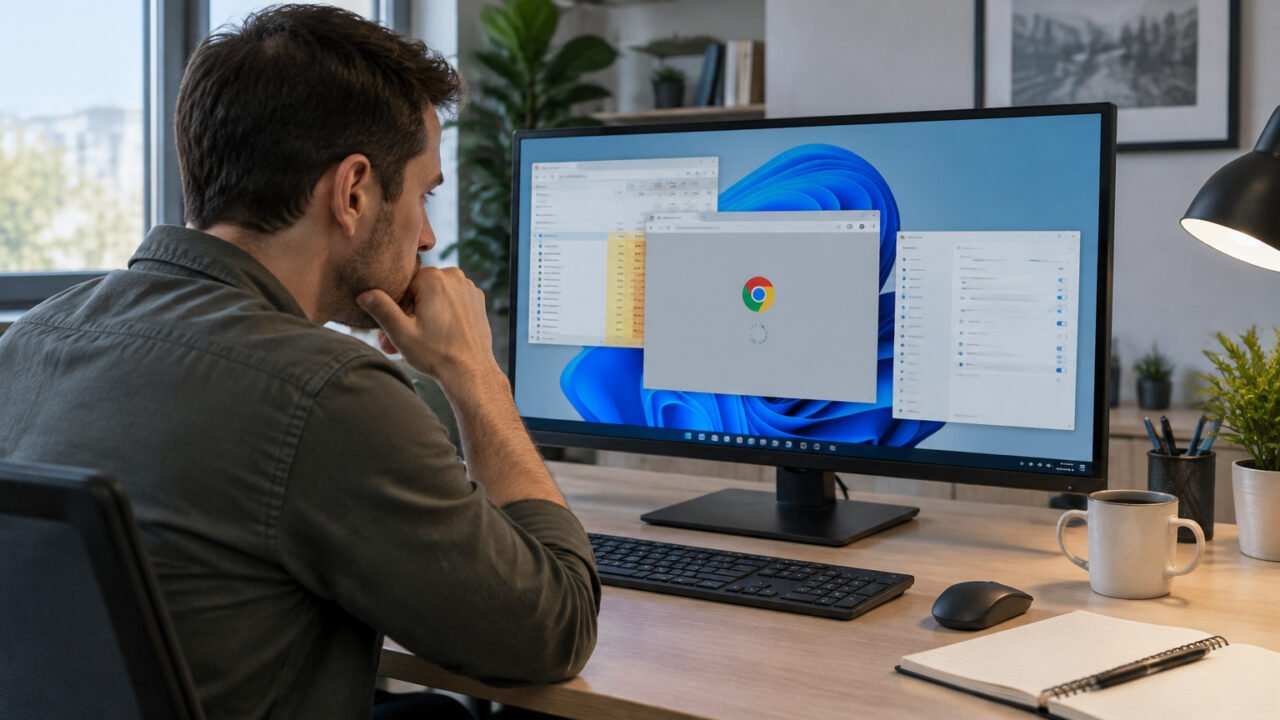
A methodical Chrome troubleshooting workflow starts by separating browser-wide failures from tab- and site-specific problems.

Chrome Keeps Freezing or Crashing? Diagnose Memory, Extensions, Hardware Acceleration, and Settings Before Reinstalling

November 2, 2026

When Chrome freezes, crashes, or will not open, isolate the symptom before changing settings. This low-risk sequence tests resource pressure, extensions, graphics acceleration, and profile settings before a reset or reinstall.

Read More
How ToSolved Problems
83eb3175 1c61 4a6f bbf6 61c260290be3

How to Create Azure Network Security Group Rules for VMs and Subnets

October 29, 2026

Learn how to create and apply Azure Network Security Group (NSG) rules to control inbound and outbound traffic for virtual machines and subnets using the Azure portal and Azure CLI.

Read More
How ToSolved Problems
4b14a591 38cd 40f1 be76 47232d49d3d3

How to Disable Hardware Acceleration in Firefox to Fix Crashes, Flickering, and Black Screens

October 26, 2026

Learn how to disable hardware acceleration in Firefox when pages flicker, video shows a black screen, the browser crashes, or graphics performance is unstable.

Read More
How ToSolved Problems
d3ee97d2 4ca3 421b 8c72 9d215503c451

How to Find the Maximum RAM Capacity of Your PC or Laptop

October 22, 2026

Learn how to check the maximum RAM your desktop PC or laptop supports using Windows tools, motherboard documentation, CPU specifications, and manufacturer support pages.

Read More
How ToSolved Problems
3f46197f 77f1 4665 ac96 2a4b7f7a7f1b

How to Fix Camera Not Working on Mac: FaceTime, Zoom, and Safari

October 19, 2026

Fix a Mac camera that shows a black screen, is unavailable, or does not work in FaceTime, Zoom, Safari, and other apps with these practical macOS troubleshooting steps.

Read More
Older posts
Page1 Page2 … Page10 Next →
  • Sitemap
  • Privacy Policy
  • Disclaimer
  • Contact Us
  • About Us
  • Manage Your Consent
© 2026 Techies Diary by SI Digital's
  • Home
  • How To
  • Tech Wiki
  • Solved Problems
  • Tools
  • Websites
  • Webstories
  • About Us
    • Contact Us
  • Privacy Policy
  • Disclaimer