Quick answer
A MongoDB connection string tells a client which deployment it should connect to, how authentication works, and which connection options to apply. MongoDB supports two URI schemes: mongodb:// for hosts listed directly and mongodb+srv:// for DNS-based server discovery.
For a local development server with no authentication, use:
mongosh "mongodb://localhost:27017/shop"For an authenticated server that uses TLS, leave the password out of the URI and have mongosh prompt for it:
mongosh "mongodb://db.example.com:27017/shop?authSource=admin&tls=true" --username appuser --passwordReplace the sample hostname and username with your own. In this example, shop is the working database, while admin is the database used to authenticate the user. They don’t need to be the same.
MongoDB URI format
mongodb://[username:password@]host[:port][,...]/[database][?options]Square brackets mark optional parts of the URI, so don’t type them literally. Bracketed IPv6 addresses are the exception.
Scheme: mongodb:// treats the supplied hosts as the initial connection targets. The mongodb+srv:// scheme discovers those targets through DNS SRV records.
Credentials: The optional username:password@ section contains authentication details. Many applications can provide credentials separately through their driver configuration instead.
Host and port: These values identify the server. With the standard URI format, the default port is 27017.
Database: The path after the hostname sets the default database for clients that use this value. In mongosh, it chooses the initial working database. It doesn’t grant access to that database or create it immediately.
Options: Begin the options section with ?. Separate each extra option with &.
mongodb://db.example.com:27017/shop?authSource=admin&tls=true&appName=shop-apiChoosing between mongodb:// and mongodb+srv://
Standard connection strings
Use the standard format when you have explicit server addresses, such as a local MongoDB instance or a self-managed replica set. If you have several seed hosts, separate them with commas.
mongodb://db1.example.com:27017,db2.example.com:27017,db3.example.com:27017/shop?replicaSet=rs0&authSource=admin&tls=trueReplace rs0 with the real replica set name. The client starts with these seed hosts and then discovers the deployment, so the URI doesn’t necessarily need to list every member.
DNS seed list connection strings
An SRV connection string contains a single hostname and doesn’t specify a port:
mongodb+srv://cluster.example.com/shopThe hostname must have the required MongoDB DNS records. Merely changing an ordinary hostname from mongodb:// to mongodb+srv:// won’t create those records.
SRV connection strings turn on TLS by default. When using the standard format, you must enable TLS explicitly if the deployment requires it. DNS TXT records may also provide supported options, including authSource and replicaSet. Settings written directly in the URI override matching TXT settings.
For Atlas, copy the connection string from the deployment’s connection workflow instead of building the hostname yourself. Sign in with a database user, not your Atlas website login, and make sure the client has an allowed network path to the deployment.
Choose the right authSource
authSource names the database against which MongoDB authenticates the credentials. For standard username-and-password authentication, this is usually the database where the user was created.
For example, an application user might be created in admin while having permission to access shop:
mongodb://appuser:ENCODED_PASSWORD@db.example.com:27017/shop?authSource=admin&tls=trueIf no explicit or DNS-provided authSource exists, MongoDB uses the database path in the URI as the authentication database. When neither value is present, authentication defaults to admin.
This means adding /shop to an existing URI can change how authentication behaves when authSource was previously implicit. If the working database differs from the authentication database, set authSource directly.
Certain authentication mechanisms work differently. X.509, for instance, uses $external. Follow the requirements of the mechanism you’ve chosen rather than assuming admin always applies.
Encode special characters in URI credentials
Reserved characters inside a username or password may be read as URI separators. MongoDB requires percent-encoding for credential characters such as $ : / ? # [ ] @. Literal percent signs must be encoded correctly as well.
Take this unencoded password:
p@ss:word/2025Its encoded URI password component is:
p%40ss%3Aword%2F2025Use a suitable URI-component encoder on the username and password separately. Don’t encode the entire connection string, and don’t encode a password again if it’s already encoded.
At the mongosh password prompt, enter the original password rather than its percent-encoded form. You should also quote complete URIs in shell commands so the shell doesn’t interpret characters such as &.
Useful connection options
tls=true: Turns on transport encryption. If your deployment uses a private certificate authority, set the correct CA certificate through the client’s TLS configuration. Routinely bypassing certificate verification isn’t a safe fix.
replicaSet=rs0: Defines the expected replica set name. Supplying the wrong name can stop the client from selecting a server successfully.
serverSelectionTimeoutMS=5000: Sets how long the client waits to choose a suitable server for an operation. A shorter value can reduce diagnostic delays, but it won’t fix connectivity problems or restrict the execution time of every query.
appName=shop-api: Identifies the client application in supported server logs and diagnostic output.
directConnection=true: Sends operations to the named host rather than discovering other deployment members. This option can be useful for particular development or diagnostic configurations, but it isn’t a general solution for replica set connection problems. It also prevents normal discovery-based failover.
Verify the connection and troubleshoot errors
Once you’re connected through mongosh, run these commands:
db.runCommand({ ping: 1 })
db.getName()
A successful ping reports ok: 1. The second command displays the current database. Keep in mind that a successful ping confirms communication only. It doesn’t prove the user can read or write application data, so test the exact authorized operation the application needs.
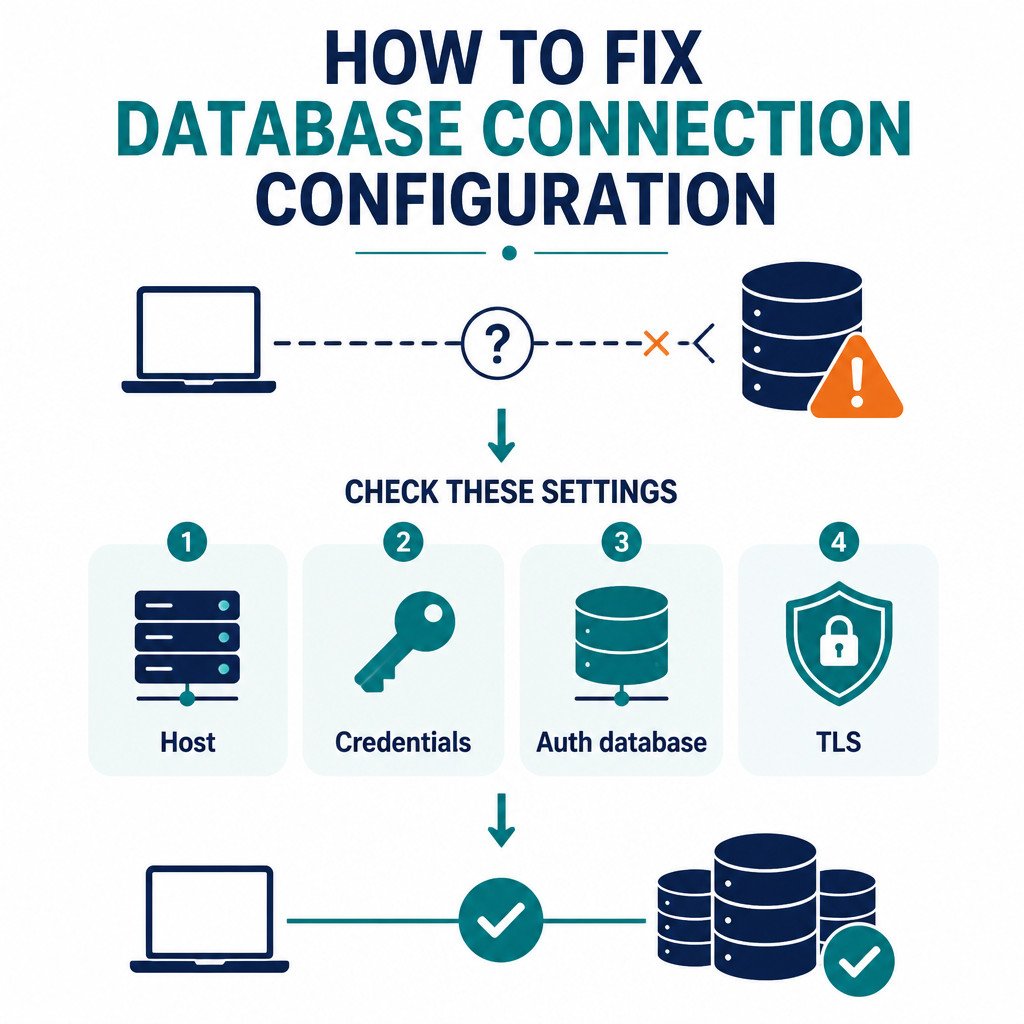
If authentication fails: Verify the database username, original password, credential encoding, and authSource.
If server selection times out: Inspect DNS, firewall rules, network access controls, and the reachability of addresses advertised by replica set members. Access to the first seed host alone may not be enough.
If SRV lookup fails: Check that you copied the hostname correctly, then confirm that your DNS resolver can resolve its SRV records.
If TLS validation fails: Check certificate trust, hostname matching, and the system clock. Don’t solve the problem by disabling validation.
FAQ
Does a connection string create the database?
No. Choosing a database name doesn’t create stored data. MongoDB generally creates the database after data is first stored or when a collection is explicitly created, assuming the user has permission.
Is it safe to share a MongoDB URI?
Only after you’ve removed credentials and checked the hostname and options for sensitive details. Never commit a URI containing credentials to source control, and don’t expose one in browser code, screenshots, or logs. Store it in a secret manager or in your application platform’s protected configuration system.