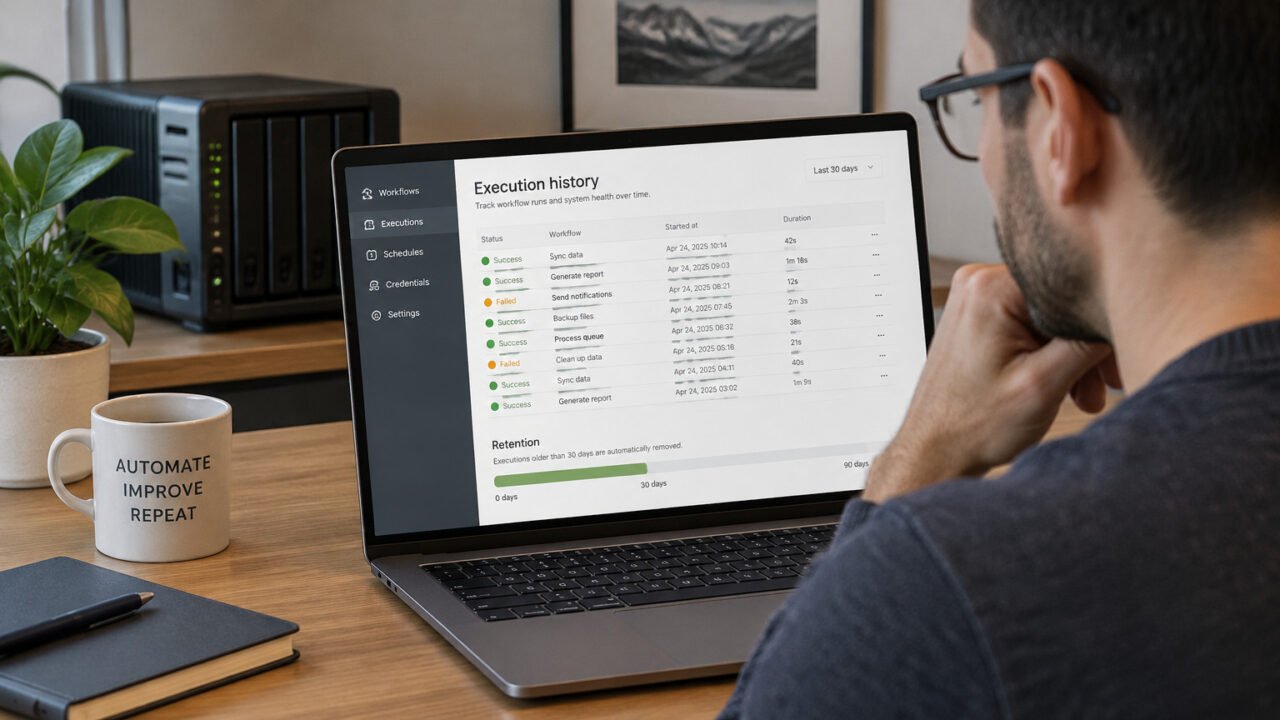
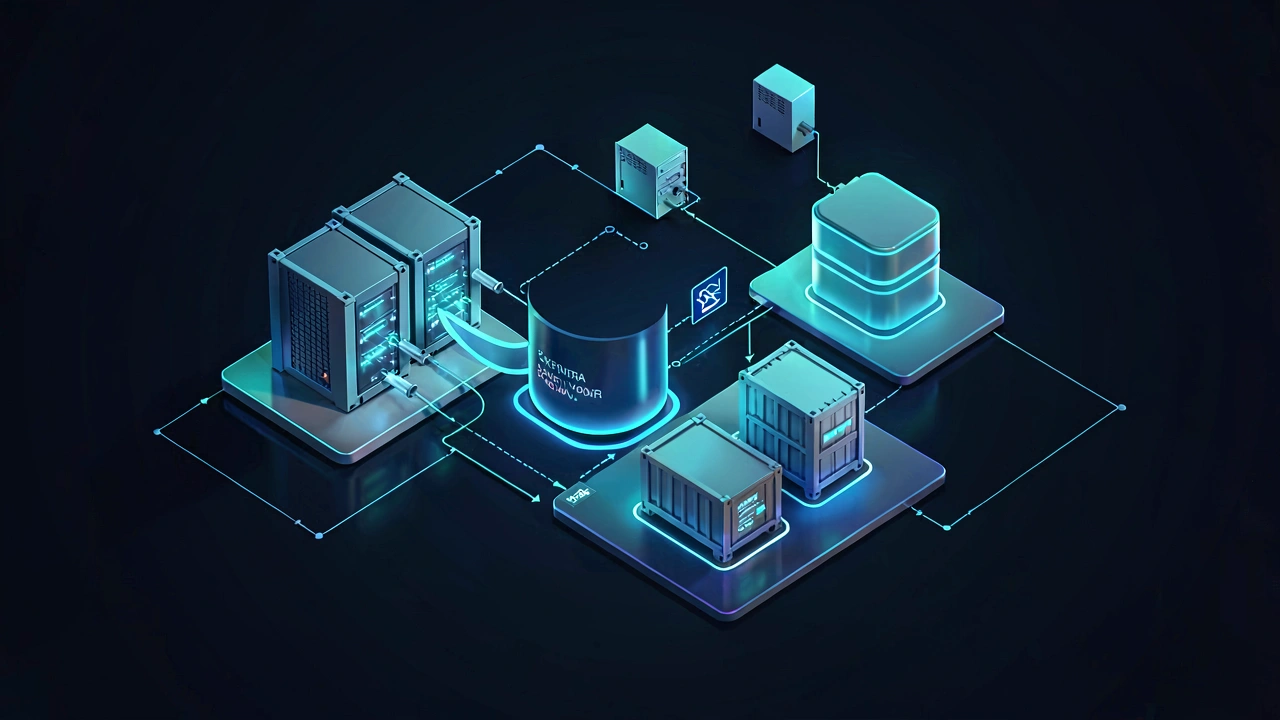
A Docker Compose migration is reliable when you move three distinct things: the project configuration, persistent data, and any images that cannot simply be pulled or rebuilt. Do not treat containers themselves as the backup. They are runtime objects that Compose can recreate; the important state usually lives in named volumes, bind-mounted host folders, external services, and secrets.
Start by defining the boundary of the app. A portable local project normally includes its Compose files, Dockerfiles and build context, environment-file template, named volumes, and bind-mounted directories. It may also depend on a remote database, object-storage bucket, container registry, or identity provider. Those external systems need their own migration or backup plan.
Inventory the old PC before copying anything
From the project directory, render the effective Compose configuration and review it before shutting down the old machine:
docker compose configThis resolves the Compose files you supplied and makes mounts, image names, build settings, ports, and environment references easier to inspect. Save a reviewed copy for your migration notes, but treat it as sensitive if it contains resolved environment values.
- Copy
compose.yaml, any override or additional Compose files, Dockerfiles, and all required build-context files. - Create a redacted
.env.examplethat lists variable names and safe placeholders. Do not put production passwords, tokens, or private keys into an unprotected archive. - List every
volumes:entry and every host-path mount shown in the rendered configuration. - Check the actual Docker volume names with
docker volume ls. Compose commonly prefixes a volume with the project name, so the declared name and Docker’s actual name may differ. - Record image names and tags, and identify images that were built locally or are no longer available from a registry.
Docker-managed named volumes persist independently of containers, while bind mounts directly expose a host directory to a container. That distinction determines where the data must be copied from. Docker documents both storage models and their different behavior in its volume documentation and bind-mount documentation.
Before archiving a database volume, stop the application or use the database product’s own backup method. A file-level archive can be useful, but it does not by itself guarantee a crash-consistent database backup.
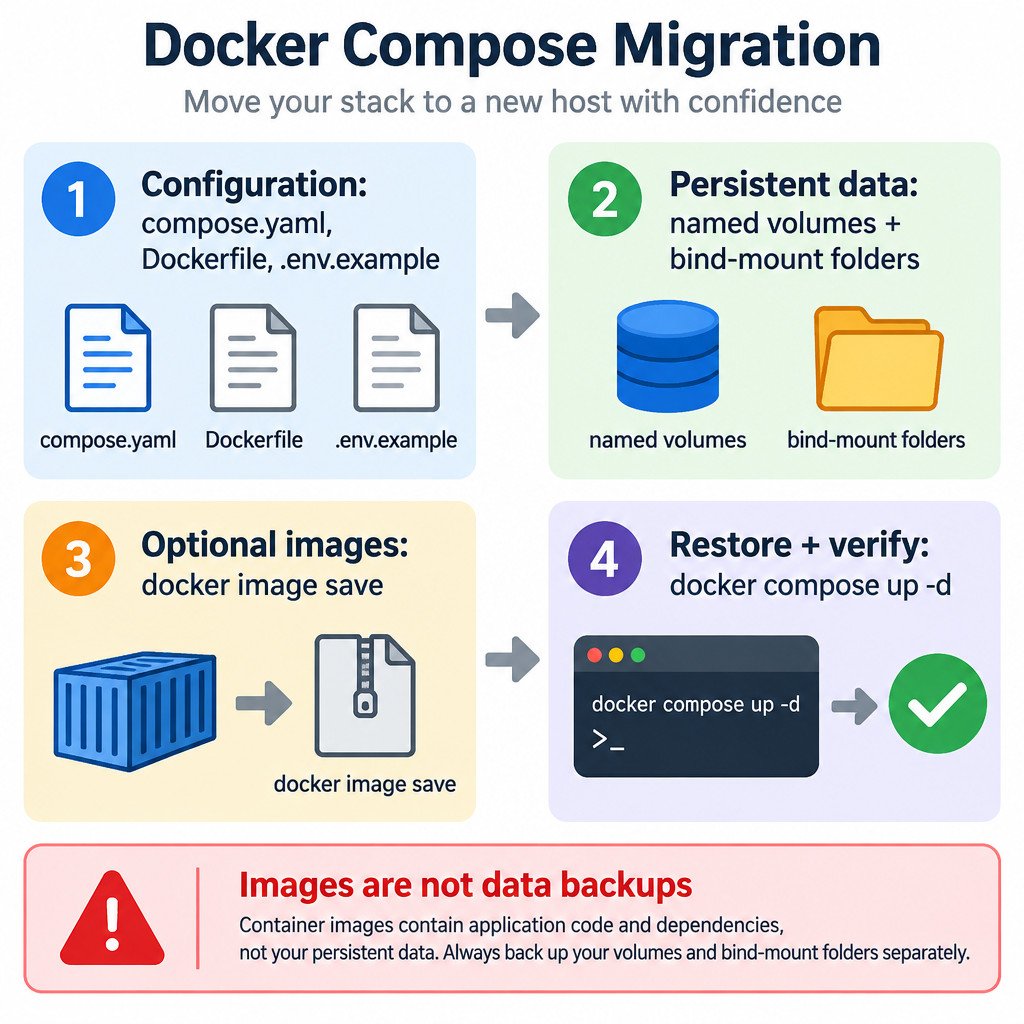
Back up each kind of state
1. Build a portable configuration bundle
Place the Compose files, Dockerfiles, build context, documentation, and redacted environment template in one folder. Include a short text file recording the Compose project name, the required Docker version or compatibility assumptions, the real named-volume names, and the original bind-mount paths. This removes guesswork during restoration.
2. Archive named volumes
After the relevant service is stopped or quiesced, create a compressed tar archive using a temporary helper container. Replace actual_volume_name with the name found through docker volume ls. The following pattern writes the archive into a local backups folder:
mkdir -p backups
docker run --rm \
  -v actual_volume_name:/from:ro \
  -v "$PWD/backups":/backup \
  alpine sh -c 'cd /from && tar czf /backup/actual_volume_name.tgz .'
Repeat for every required named volume, with a filename that includes the project, volume, and backup date. Keep the volume name in your notes as well as the archive name. Docker’s documented volume backup approach likewise uses a temporary container and a tar archive; it is a general file-level technique, not a replacement for database-aware backups.
3. Copy bind-mounted directories from the host
A bind mount such as ./uploads:/app/uploads is data in an ordinary host folder, not in a Docker named volume. Copy the source directory itself to your backup media. Preserve ownership and permissions when your operating system and copy tool support it, but expect cross-platform differences. A Linux path, Windows drive letter, filesystem permissions, and SELinux-related settings may not transfer unchanged.
For example, if the rendered configuration shows /srv/myapp/uploads:/app/uploads, back up /srv/myapp/uploads. On the destination, you can restore it under a different host path, but then update the Compose file to match.
4. Save images only when they are not reproducible
Images from a reachable registry can usually be pulled again. Save locally built, privately tagged, or otherwise irreplaceable images. This is optional and does not include volume or bind-mount data.
docker image save -o app-images.tar myapp:local worker:localDocker’s docker image save reference describes saving one or more images to an archive for later loading. Record the image tags that the Compose project expects so they are available before the first startup.
Restore in a controlled order
- Install a compatible Docker environment on the new PC.
- Copy the configuration bundle into its intended project folder and provide secrets through an appropriate protected method.
- Restore bind-mounted folders to their chosen host locations. Update host paths in Compose if they changed.
- Create each required named volume using its recorded actual name.
- Extract each corresponding volume archive into that empty volume.
- Load saved images, if any, then start the stack.
Create and restore a named volume with this pattern:
docker volume create actual_volume_name
docker run --rm \
  -v actual_volume_name:/to \
  -v "$PWD/backups":/backup \
  alpine sh -c 'cd /to && tar xzf /backup/actual_volume_name.tgz'

docker image load -i app-images.tar
docker compose up -d
Do not run docker compose down -v against a stack whose named volumes you still need. The -v option removes named volumes declared by the project. Also avoid restoring an archive over a volume that contains new data unless you have deliberately preserved that newer state.
Prove that recovery worked
A successful container start is not proof of a successful migration. Review service logs and health checks, then perform a small functional test. Sign in to the application, open a known record, confirm one expected uploaded file, and verify a few known settings or counts. For a database-backed app, run a safe read-only query or use the app’s normal status page.
Use the first migration as a recovery drill: write down what was missed, which paths changed, and how long restoration took. Keep the old PC and original backups until the restored app passes these checks.
What this workflow does not cover
This process targets a portable Compose project, not a full clone of Docker Desktop or its virtual machine. It cannot automatically capture remote services, unmanaged secrets, DNS configuration, registry access, or operating-system-specific permissions. Docker also notes that container images do not include changes stored in volumes, which is why data storage must be handled separately during a move.
Encrypt backup media that contains application data or configuration. Most importantly, test a restoration before retiring the old machine; an archive is only a backup once it can be restored and validated.