Imran Sayyad is a Computer & Software Engineer, Technology Enthusiast, Creative Content Maker & Publisher. He loves to explain technology and solve real-life problems. He is working to make people's life better by sharing knowledge. You can share a cup of ☕coffee with Imran.
Fix the “VCRUNTIME140.dll was not found” error in Windows 11 and 10 by repairing or reinstalling Microsoft Visual C++ Redistributable and checking damaged system files.
Fix “The parameter is incorrect” in Windows 11 and 10 when opening a drive, copying files, formatting USB storage, or accessing an external hard drive.
Fix DISM Error 0x800f081f: The source files could not be found in Windows 11 or 10 using Windows Update, a matching ISO, install.wim, install.esd, or component store repair commands.
Windows Update error 0x80070643 usually appears when an update fails to install because of corrupted update files, damaged system components, .NET issues, or a Windows Recovery Environment partition problem. Here are the safest fixes that work in Windows 11 and Windows 10.
Fix Windows error 0x80070005 Access Is Denied by repairing permissions, running elevated tools, checking security software, and resetting update or app components.
If you are contemplating closing your Upstox account, we understand that it’s not a decision taken lightly. Whether you’re using the updated or older version ...
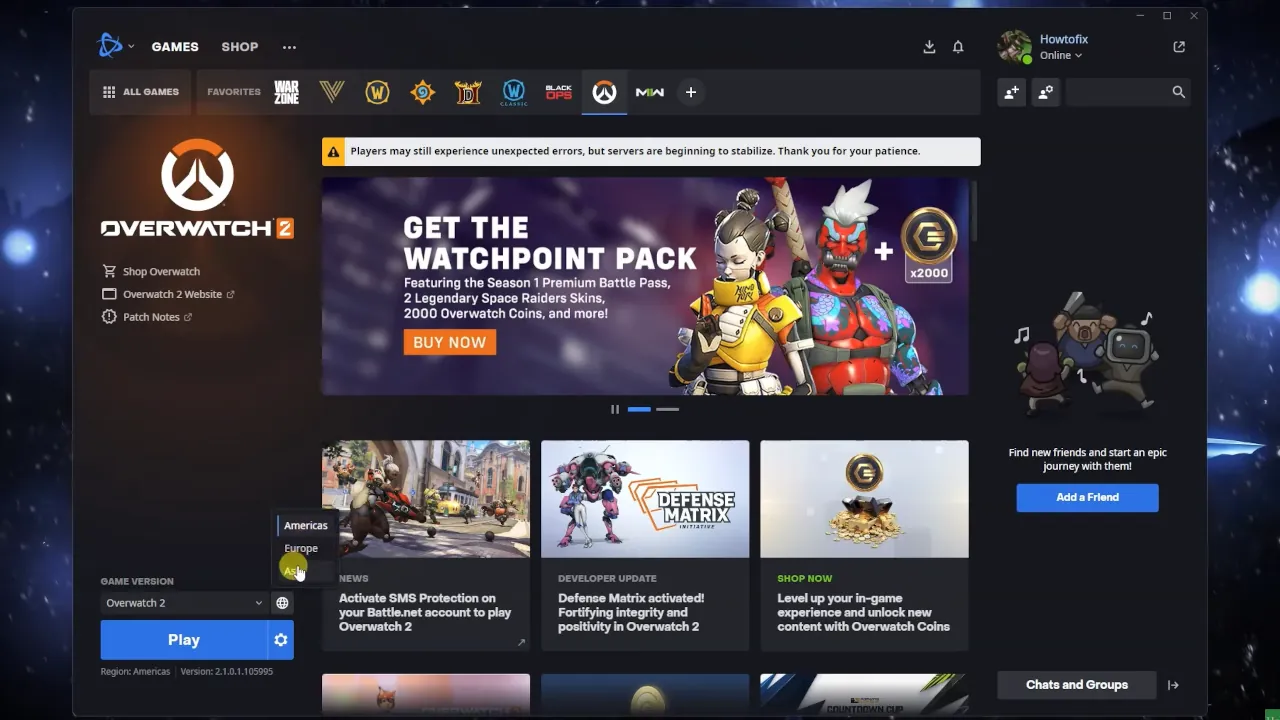
If you’re an avid Overwatch player, encountering errors can be quite frustrating. One of the common issues that players face is the “0/3 Players in ...
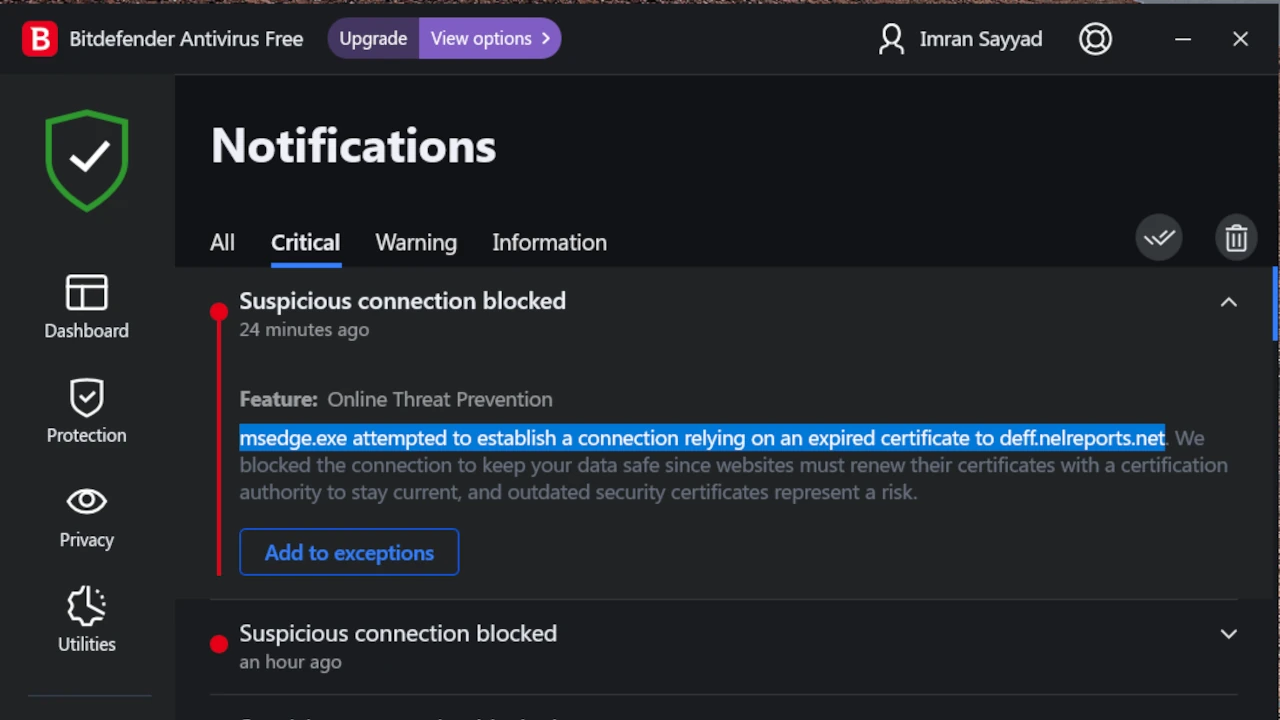
bzib.nelreports.net Are you encountering a perplexing notification from Bitdefender, warning you about a suspicious connection attempt by msedge.exe to an expired certificate at bzib.nelreports.net or ...
 Imran Sayyad