Skip to content

Techies Diary

  • 🔥Tech Trends
  • How To
  • Fixed Issues
  • Tech Wiki
  • Topics
    • Webstories
    • Tools
    • Websites
  • Must Have
    • 30+ Essential Apps for Windows
    • 20+ Excel Formulas (Advanced)
    • 100+ Use of Popular Emojis
  • About Us
    • Contact Us
    • Privacy Policy
    • Disclaimer
Techies Diary

Techies Diary

  • 🔥Tech Trends
  • How To
  • Fixed Issues
  • Tech Wiki
  • Topics
    • Webstories
    • Tools
    • Websites
  • Must Have
    • 30+ Essential Apps for Windows
    • 20+ Excel Formulas (Advanced)
    • 100+ Use of Popular Emojis
  • About Us
    • Contact Us
    • Privacy Policy
    • Disclaimer

Tips & Tricks

Tips & Tricks
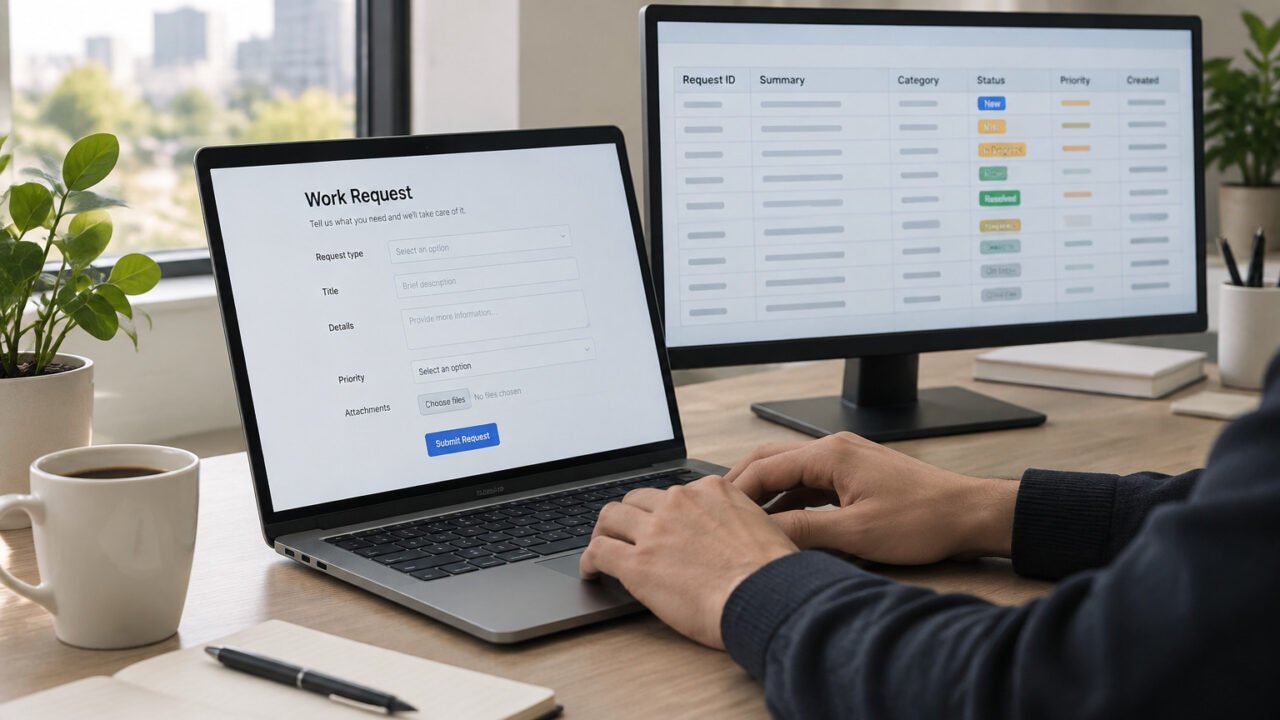
A simple form-and-spreadsheet workflow can provide a shared inbox for routine internal requests.

How to Turn a Google Form Into a Simple Work Request Tracker in Google Sheets

November 21, 2026

Use a Google Form and linked Google Sheet to give a small team one consistent place for incoming work requests. This lightweight setup improves intake and visibility, but it is not a replacement for ticketing, approval, or sensitive-case management software.

Read More
Tips & Tricks
A Windows laptop kept awake temporarily for a time-limited task while conserving the display.

How to Use PowerToys Awake to Keep a Windows PC Awake for a Timed Task—Without Changing Your Power Plan

November 20, 2026

PowerToys Awake can temporarily stop Windows from sleeping while a download, installation, or monitored task finishes. Set a time limit, leave the display off unless you need it, then return to normal sleep behavior when the task is done.

Read More
Tips & Tricks
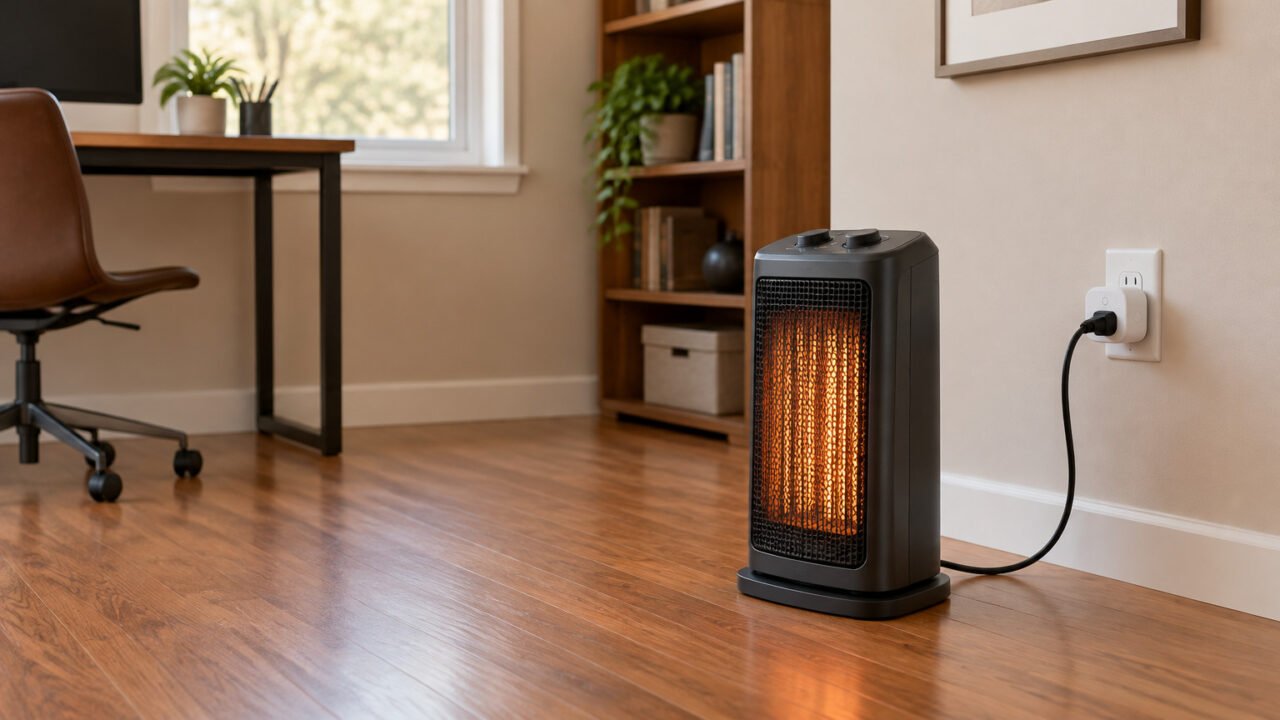
A space heater and smart plug require more than a matching wattage label: manufacturer instructions, load limits, and outlet setup all matter.

Can You Use a Smart Plug With a Space Heater? Check the Ratings, Instructions, and Safety Limits First

November 14, 2026

A smart plug's wattage rating is not automatic permission to use it with a space heater. Before connecting one, compare the heater instructions, the exact plug model's supported loads and limits, and the wall outlet and circuit arrangement.

Read More
Tips & Tricks
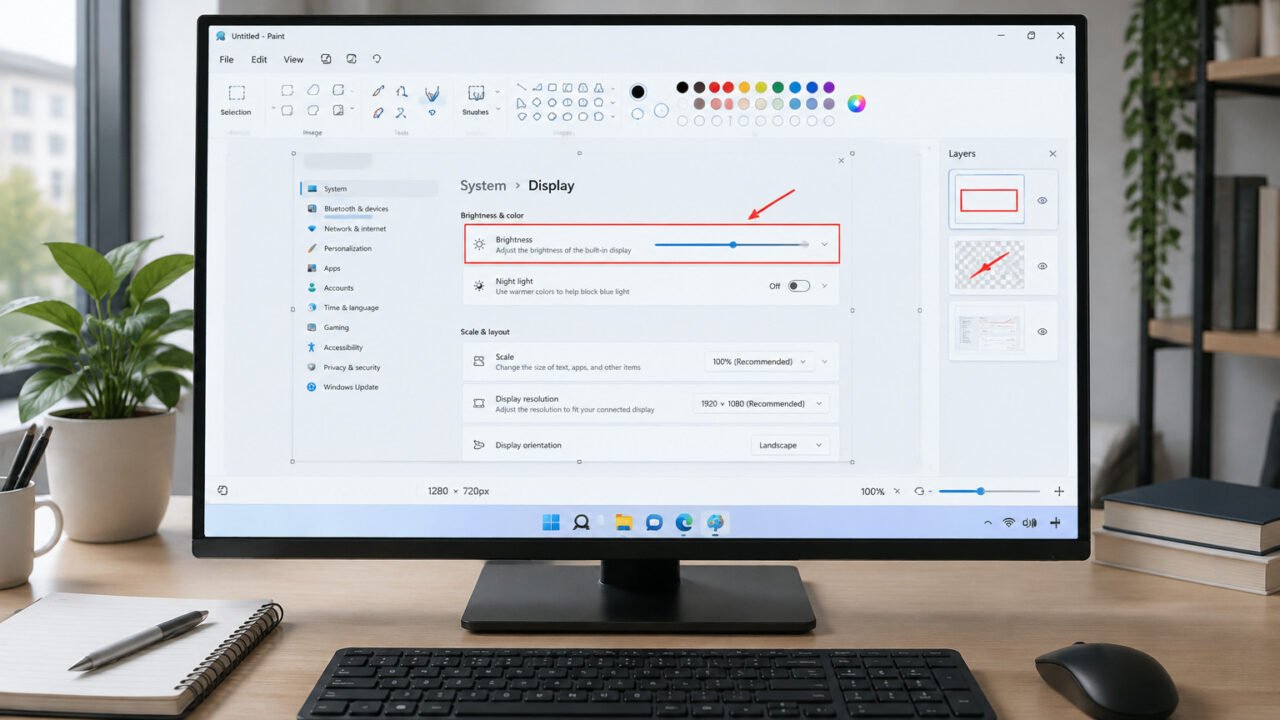
A layered Microsoft Paint workflow keeps screenshot annotations editable before export.

How to Create a Reusable Screenshot Annotation Template in Microsoft Paint

November 14, 2026

Build a consistent screenshot-markup workflow in Microsoft Paint by separating the original capture from arrows, labels, and other annotations. Keep an editable project or template copy, then export a final PNG only after a quick privacy and accuracy check.

Read More
Tips & Tricks
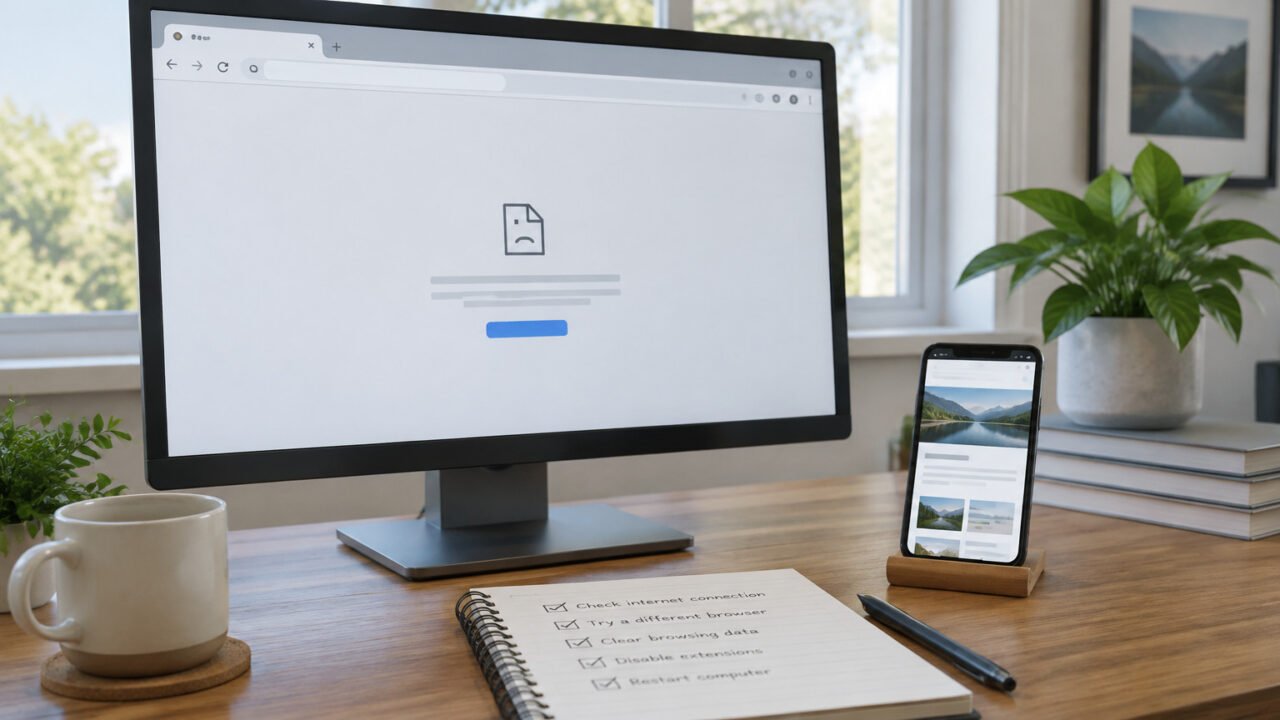
Comparing the same website across browsers and devices helps isolate a Firefox-specific problem.

A Website Works Everywhere Except Firefox: Fix Site Data, Tracking Protection, Extensions, and Browser Settings in the Right Order

November 14, 2026

When one website fails only in Firefox, start with reversible, site-specific tests instead of resetting the entire browser. This guide shows how to narrow the cause to site data, tracking protection, extensions, rendering settings, or a problem outside Firefox.

Read More
Tips & Tricks
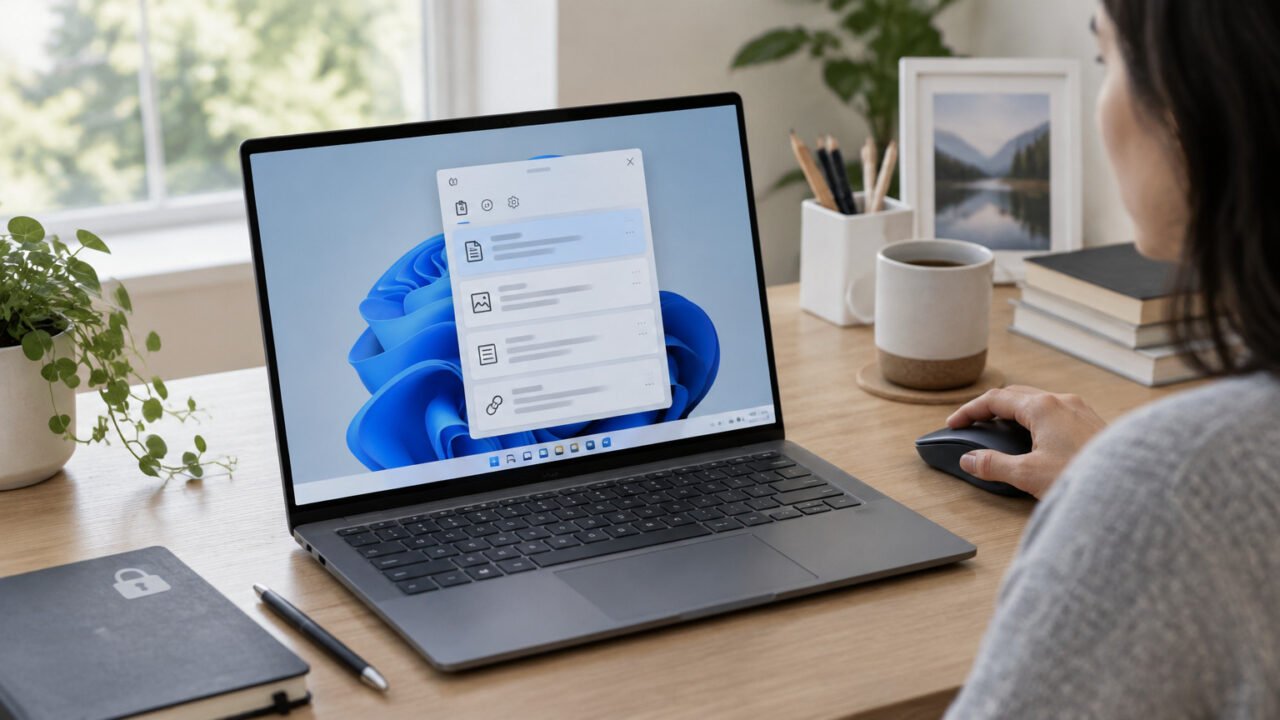
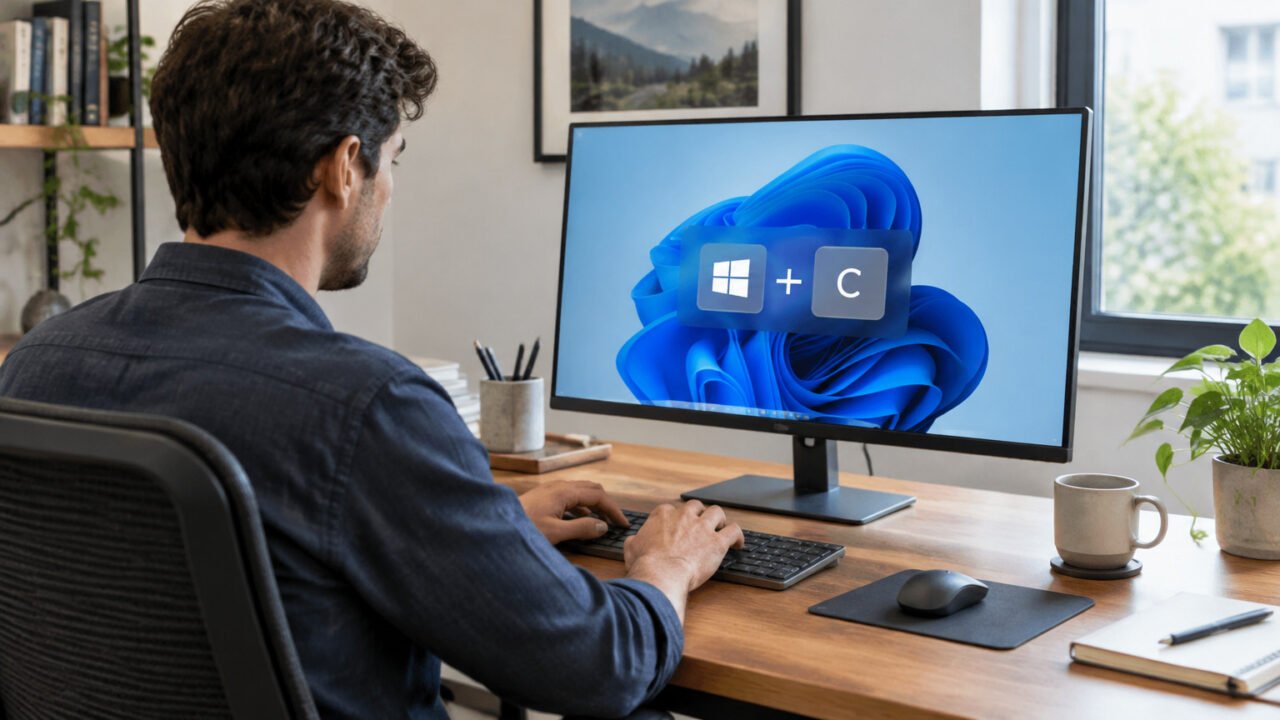
Clipboard History can speed up routine pasting when entries are reviewed and cleared thoughtfully.

How to Use Clipboard History in Windows 11 Without Letting Sensitive Text Linger

November 13, 2026

Clipboard History makes it easy to reuse copied text, links, and small images in Windows 11. Use it deliberately: pin only safe reusable snippets, clear sensitive items promptly, and treat cross-device sync as an opt-in privacy decision.

Read More
Tips & Tricks
A Windows laptop displaying a local battery diagnostic report for capacity and usage review.

How to Read a Windows 11 Battery Report: Check Capacity Loss, Usage History, and When to Investigate

November 12, 2026

Windows 11 can create a built-in battery report that shows estimated capacity, recent power use, and longer-term history. Learn which figures matter, how to calculate estimated capacity retention, and when a battery issue needs manufacturer support.

Read More
Tips & Tricks
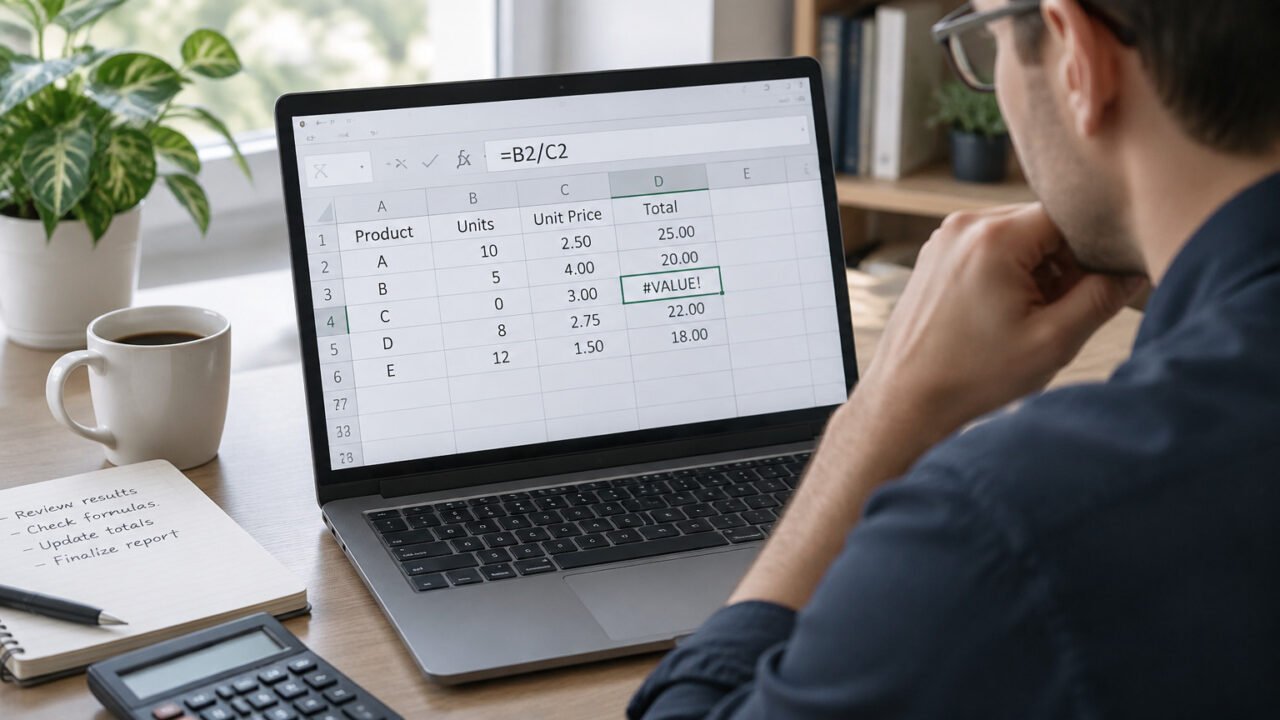
Tracing an Excel formula helps locate the input or operation behind a #VALUE! error.

How to Fix a #VALUE! Error in Excel Without Hiding the Real Problem With IFERROR

November 12, 2026

A #VALUE! error usually means a formula received an input it cannot use. Trace the failing part first, correct the data or formula where possible, and use IFERROR only when a fallback result is genuinely appropriate.

Read More
Tips & Tricks
Reviewing a document's earlier revisions before deciding whether to restore them.

How to Use Google Docs Version History to Restore Changes Without Overwriting Work You Still Need

November 12, 2026

Google Docs version history lets you inspect, copy, and restore earlier drafts, but those actions have different consequences for collaborators. Use a copy-first workflow to preserve useful content before making a live rollback.

Read More
Tips & Tricks
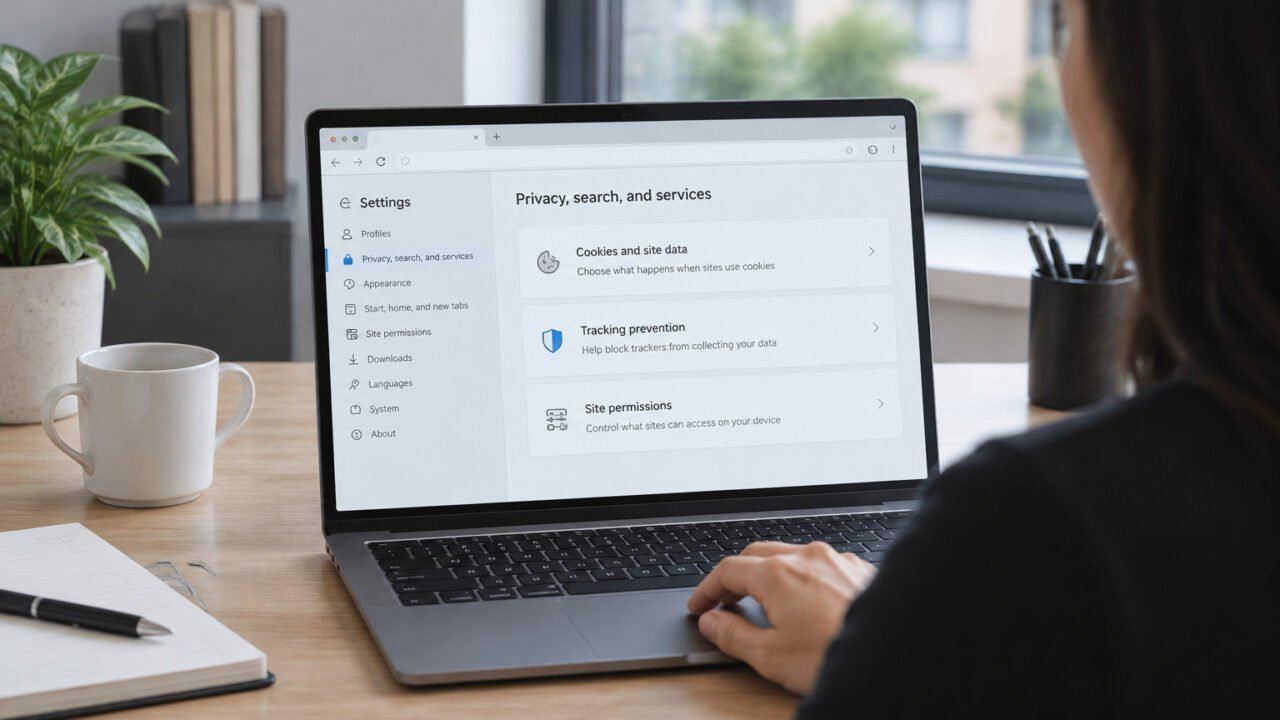
Reviewing a single website’s privacy and permission settings in a desktop browser.

A Website Won’t Work in Microsoft Edge? Fix Cookies, Tracking Prevention, and Site Permissions Without Resetting the Browser

November 11, 2026

When only one website misbehaves in Microsoft Edge, reset is usually the wrong first move. Check site-specific permissions, tracking prevention, and stored site data in a low-risk order so you can restore access without wiping the rest of the browser.

Read More
Tips & Tricks
A keyboard shortcut reference can help users discover commands without memorizing a large list.

What Is a Keyboard Shortcut Guide? Use PowerToys to Find Windows and App Shortcuts as You Work

November 10, 2026

A keyboard shortcut guide is a searchable reference layer for discovering commands in context, rather than a static list to memorize. PowerToys Shortcut Guide can surface Windows, PowerToys, and supported app shortcuts while you work, with important limits to keep in mind.

Read More
Tips & Tricks
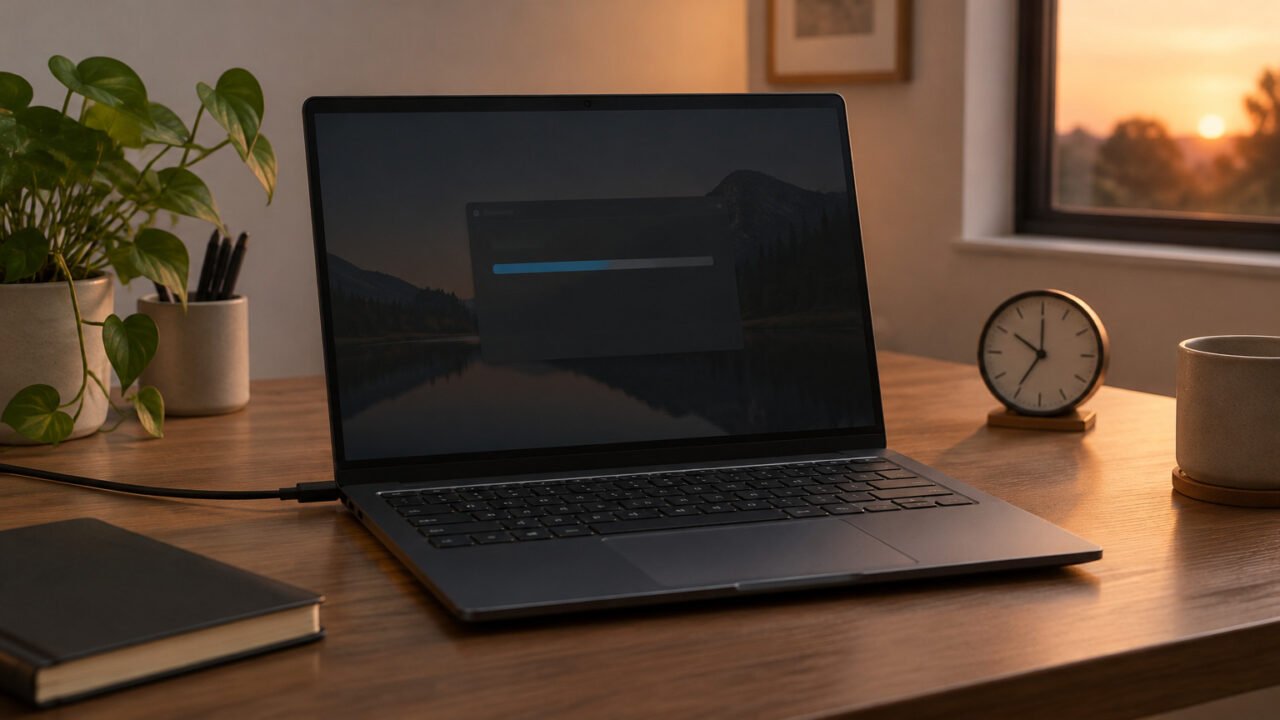
Preparing a Windows 11 PC for a Microsoft Defender Offline scan, with BitLocker recovery access considered first.

How to Run a Microsoft Defender Offline Scan in Windows 11—and Check What It Found

November 10, 2026

Microsoft Defender Offline Scan restarts your PC and scans outside the normal Windows session, which can help when you suspect persistent malware. This guide explains when to use it, how to prepare for BitLocker, and where to review the results afterward.
Read More
Older posts
Page1 Page2 … Page10 Next →
  • Sitemap
  • Privacy Policy
  • Disclaimer
  • Contact Us
  • About Us
  • Manage Your Consent
© 2026 Techies Diary by SI Digital's
  • Home
  • How To
  • Tech Wiki
  • Solved Problems
  • Tools
  • Websites
  • Webstories
  • About Us
    • Contact Us
  • Privacy Policy
  • Disclaimer