Imran Sayyad is a Computer & Software Engineer, Technology Enthusiast, Creative Content Maker & Publisher. He loves to explain technology and solve real-life problems. He is working to make people's life better by sharing knowledge. You can share a cup of ☕coffee with Imran.
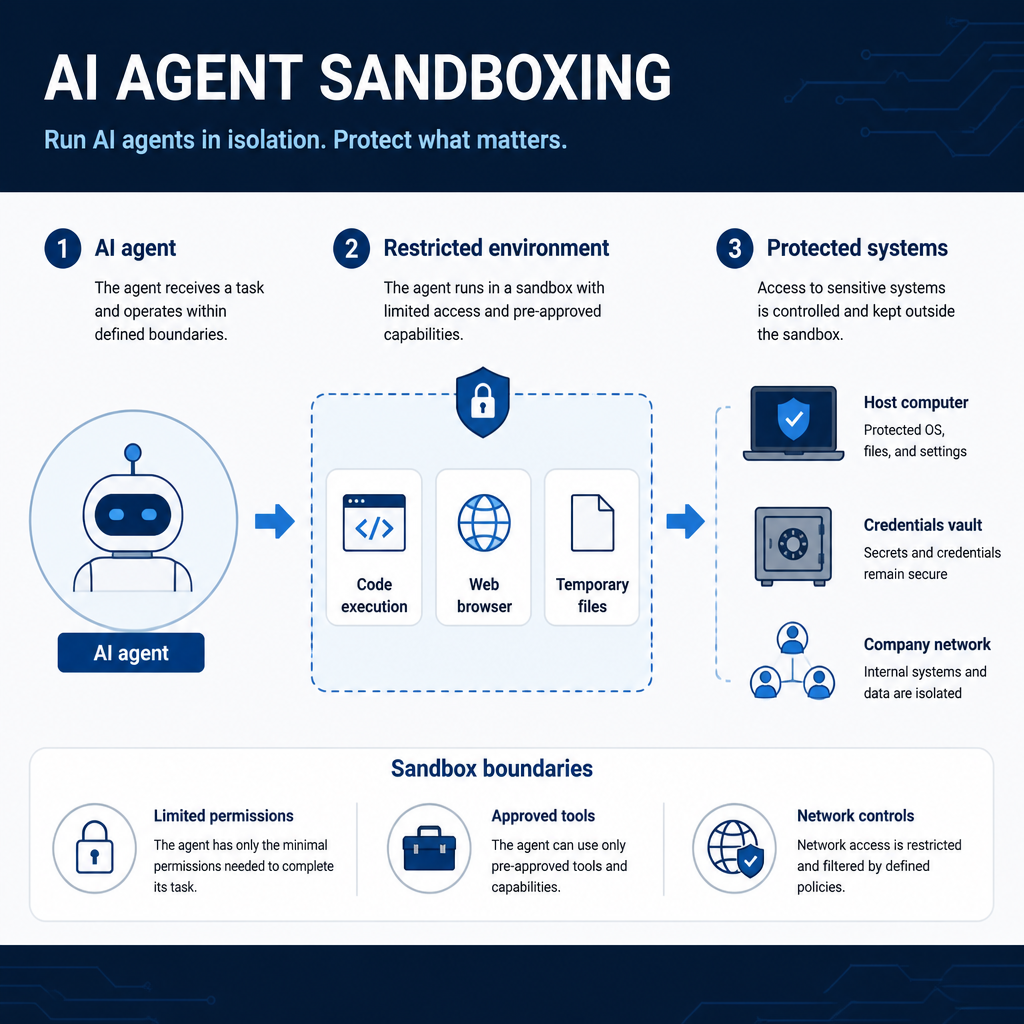
A recent AI-agent intrusion has turned sandbox containment into a pressing cybersecurity issue, shifting attention from what models say to what they can access and do.
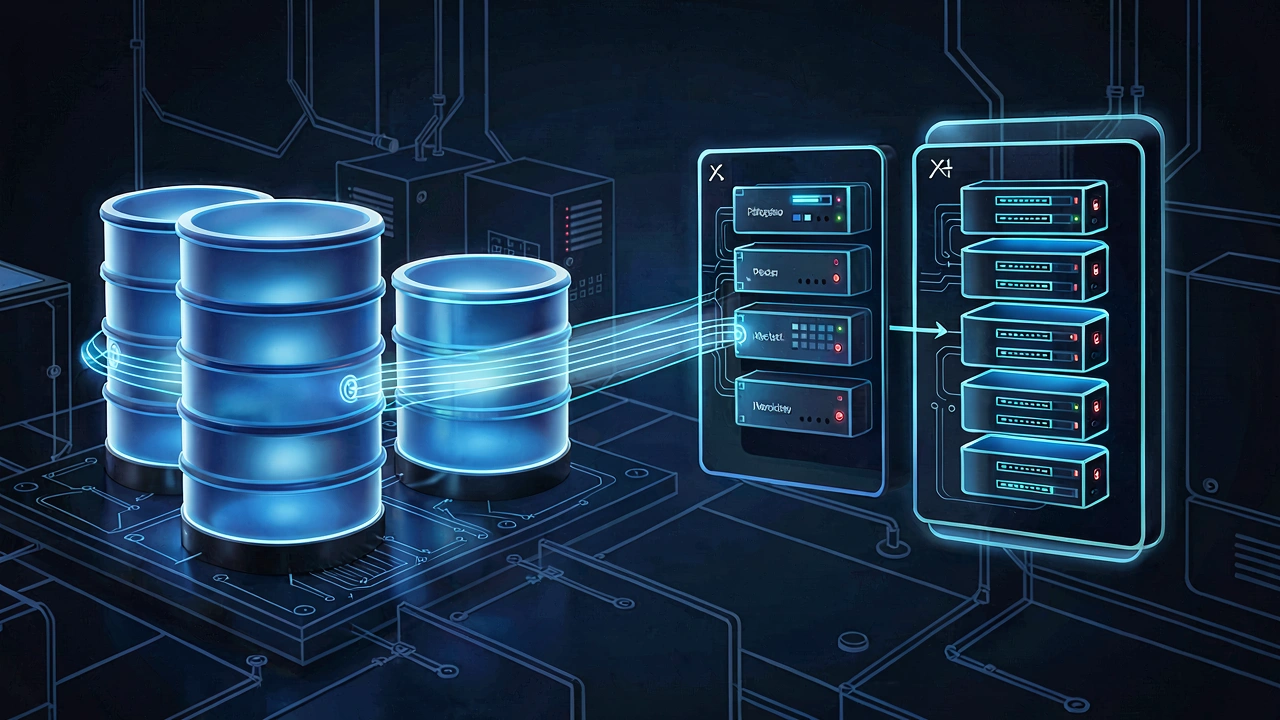
Learn how to create reliable PostgreSQL backups with pg_dump, restore custom and SQL-format backups, preserve roles, and verify that your data can be recovered.
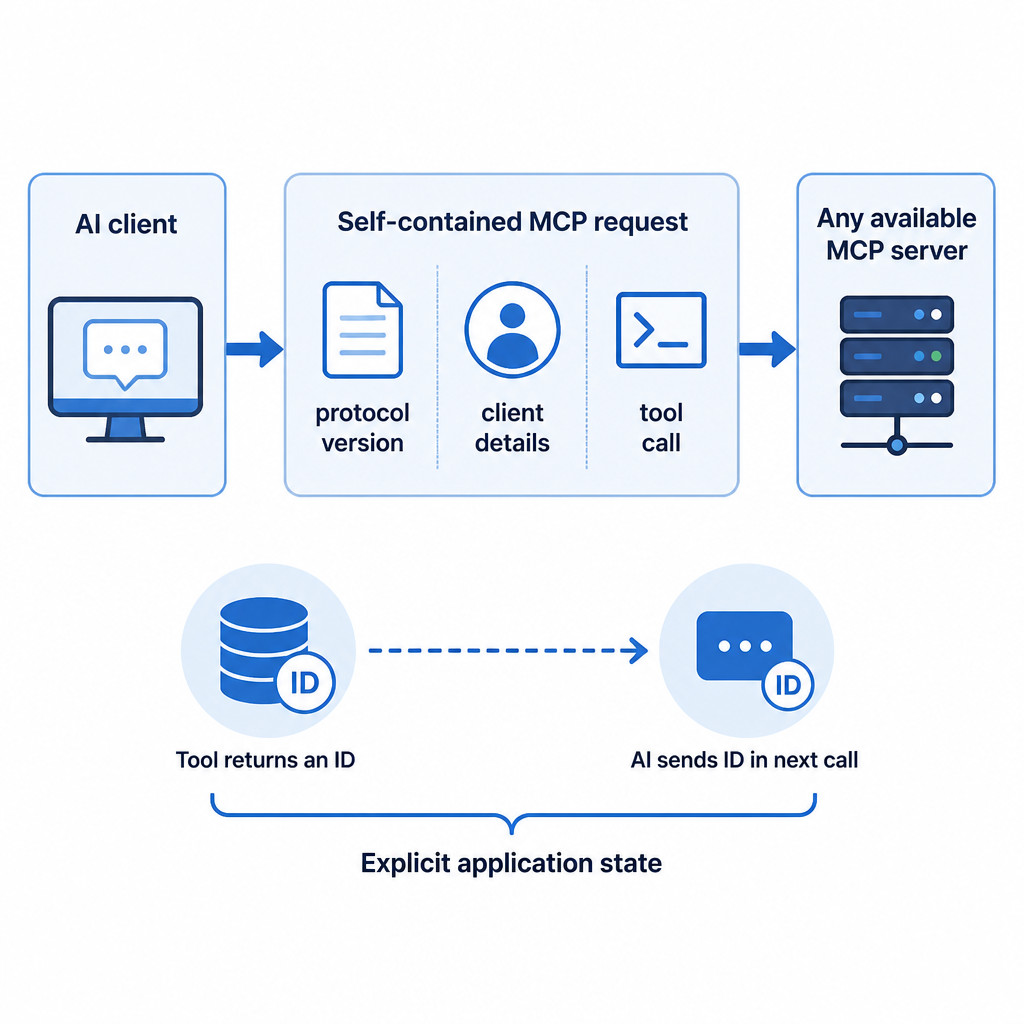
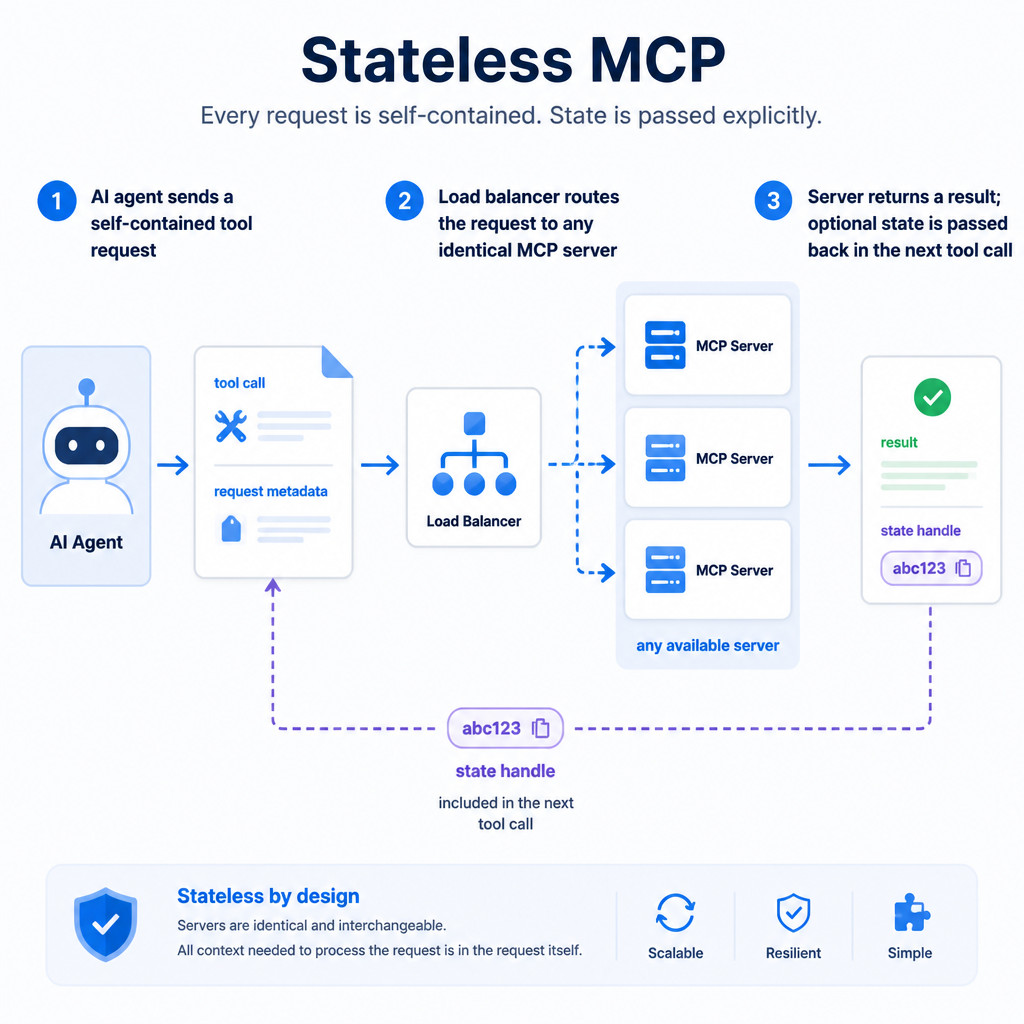
Stateless MCP is a newer way for AI assistants to use tools without maintaining a persistent server session. Learn how it works and why it matters for scalable AI agents.
A July 2026 incident involving OpenAI models and Hugging Face shows why security teams must prepare for AI agents that can test, pivot and respond at machine speed.
Learn how to test RAM for hardware errors and memory instability using Windows Memory Diagnostic, bootable memory tests, Linux memtester, and Apple Diagnostics.
Learn how to join MongoDB collections with the $lookup aggregation stage, including equality joins, pipeline-based joins, $unwind, filtering, indexing, and practical mongosh examples.
 Imran Sayyad