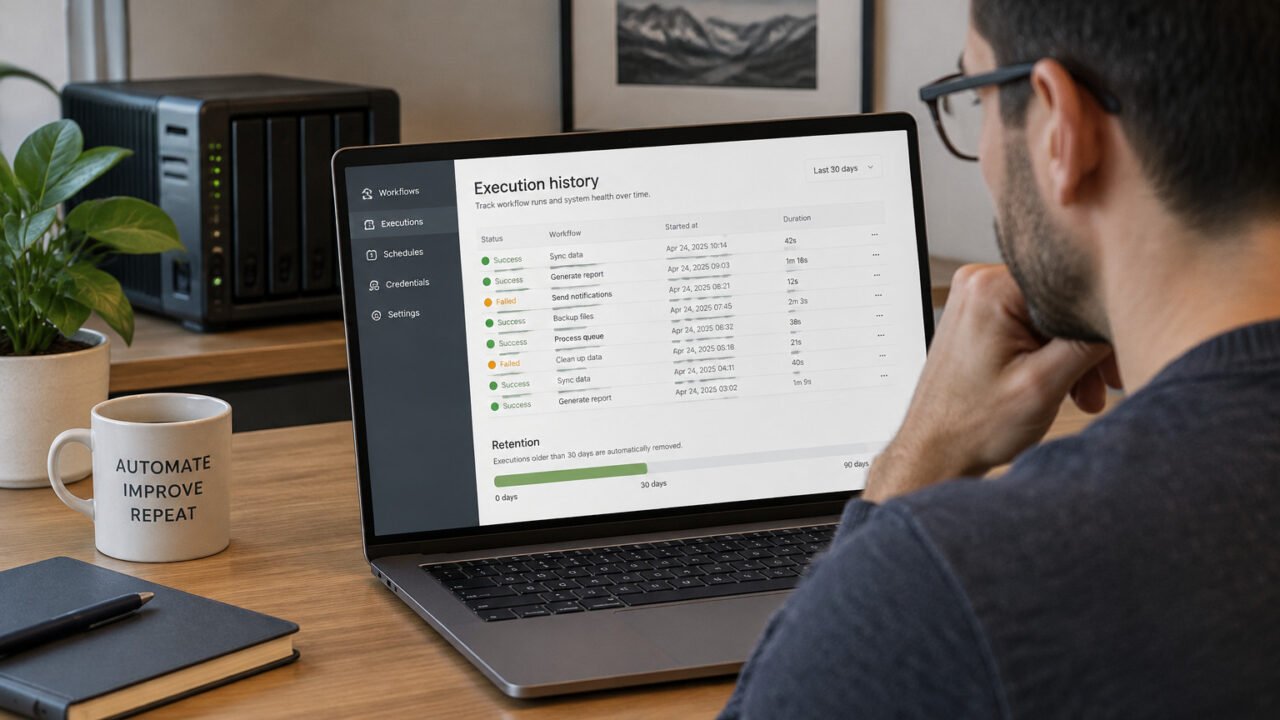
For a self-hosted n8n instance, start with the built-in security audit, then treat its output as a review queue rather than a pass-or-fail security verdict. The audit can highlight unused credentials, SQL expressions, file-system access, node risks, public webhooks, missing settings, and an outdated n8n version. Each item still needs context: a finding may be intentional, while a clean audit cannot detect every secret leak, infrastructure weakness, or workflow design problem.
Prepare before changing anything
This process is primarily for self-hosted deployments. Before running the audit, record the n8n version, how it is deployed (such as Docker Compose, Kubernetes, or a direct installation), and the location of its configuration and persistent data. Keep a configuration backup under your normal change-control process before editing environment variables or node policies.
Also identify the workflows that are business-critical, their owners, and any external systems they can change. This makes it possible to distinguish an unused credential from one reserved for a seasonal workflow, or a public webhook from one that was exposed accidentally.
Run the audit using the route that fits your workflow
For a manual review on the host, the simplest starting point is the CLI command:
n8n auditn8n also provides an owner-authenticated POST /audit API route, which can suit an administrative process, and an Audit > Generate operation in the n8n node for workflow-based reporting. The official security audit documentation describes all three methods. Begin with a manual CLI run when you want to read and discuss the findings before automating anything.
Save the output in a restricted administrative location. Audit output can reveal workflow names, endpoints, installed packages, and configuration details that are useful to an attacker as well as an operator.
Read the report as triage
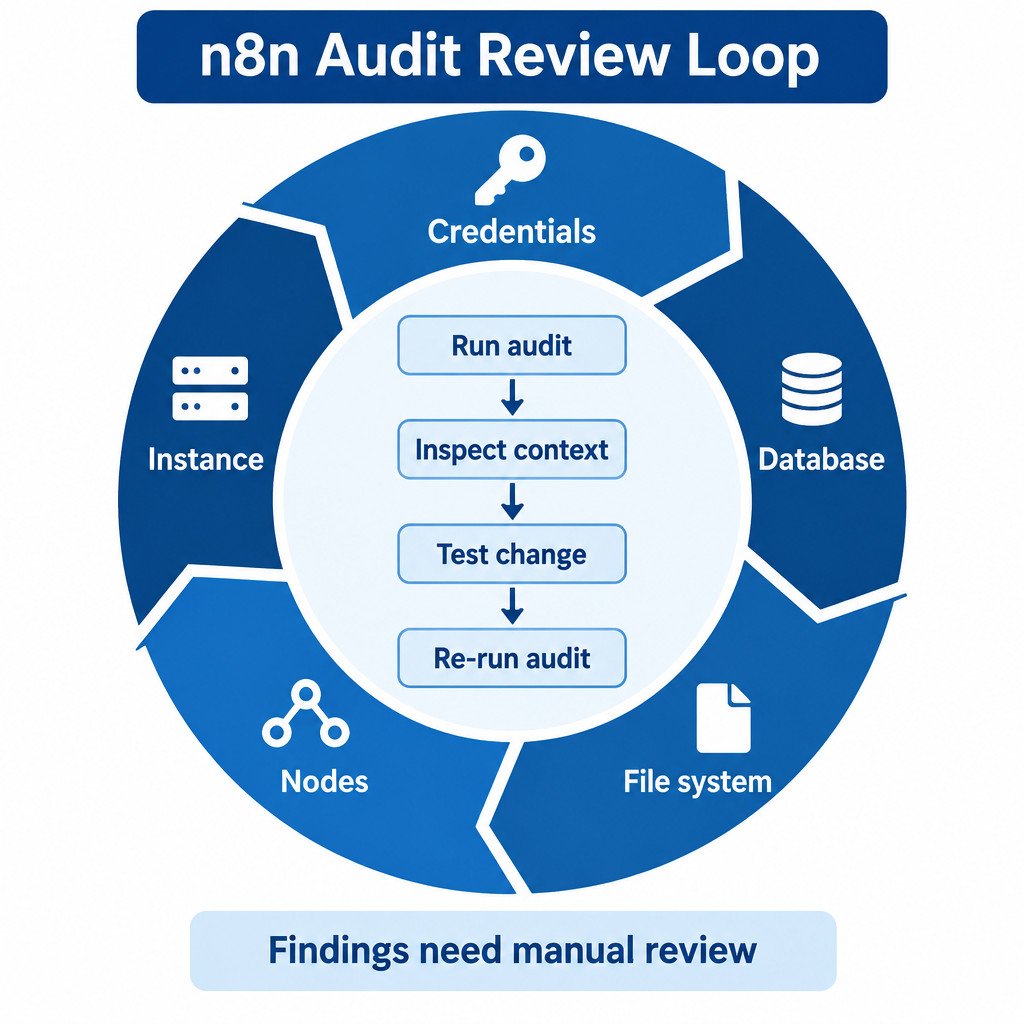
The audit groups findings into Credentials, Database, File system, Nodes, and Instance. Work through one category at a time, record an owner and decision for each finding, and rerun the audit after approved changes. “Accepted” can be a valid outcome when a configuration is necessary and its risk is understood; it should not mean “ignored.”
Review credentials and database findings carefully
Unused credentials are worth investigating because they expand the number of secrets stored in n8n. Check the relevant workflows, including inactive workflows that may be deliberately retained. Delete a credential only when its owner confirms that it is no longer needed. Removing it can break a workflow that still references it, and restoring service may require recreating or reauthorizing the credential.
Database findings may identify expressions in SQL query fields. This is a signal to inspect how the query is assembled, not evidence that every expression is unsafe. Look for values inserted into SQL text, determine whether they originate outside your control, and use the parameterization options provided by the database node or driver where available. Review the resulting query and permissions of the database account as well.
- Low-risk example: an expression selects a fixed reporting period controlled by the workflow owner.
- Higher-risk example: an expression inserts unvalidated data from a public webhook directly into SQL syntax.
- Decision: document why the expression is needed, restrict database permissions, or redesign the query to pass data as parameters.
Map file-system and node access to real workflows
File-system findings show where workflows can read from or write to the host. Node findings can identify built-in risky nodes, custom nodes, and community nodes. Make an inventory that connects each result to a workflow, workflow owner, execution environment, and business purpose. A node may be appropriate in an isolated internal automation environment but unacceptable in an instance used by multiple teams.
If certain nodes must never run, self-hosted n8n can prevent them from loading with NODES_EXCLUDE. This is a deployment-wide control, so test it first: existing workflows using an excluded node will no longer work. The following Docker Compose fragment is illustrative, not a universal deny list.
services:
  n8n:
    environment:
      NODES_EXCLUDE: "[\"n8n-nodes-base.executeCommand\",\"n8n-nodes-base.readWriteFile\"]"
n8n documents node blocking and also describes node-type policies for cases where a deployment-wide restart-based exclusion is too broad. Review the consequences with workflow owners before applying either approach. See Block specific nodes for the supported configuration.
Use a deliberate policy for community nodes
Community nodes installed from npm are unverified code with potential access to the host machine and workflow data. Keep an approved-package list, record the package version and purpose, and review updates as a change rather than letting them arrive unnoticed. A verified community node has undergone n8n review, but that does not remove the need for your own dependency and access review.
Where the risk model does not allow third-party nodes, disable community packages on the self-hosted instance:
N8N_COMMUNITY_PACKAGES_ENABLED=falseApply that change only after identifying dependencies, since it can disrupt workflows that use installed community nodes. n8n’s community-node risk guidance explains the access implications and the disabling setting.
Inventory public webhooks and instance-level findings
For every unauthenticated webhook reported by the audit, answer three questions: Does it genuinely need to be public? What prevents unauthorized callers from triggering it? What data or action can it reach? A public endpoint may be required for a form provider or payment service, but it should have only the access needed for that workflow. Remove retired endpoints and avoid placing sensitive operations behind a webhook that has no appropriate caller validation.
Instance findings can include an outdated n8n version or recommended security settings. Plan updates, test workflows in a suitable environment, and retain a rollback plan. Updating matters, but it does not automatically resolve every item in the audit or compensate for overly broad credentials, exposed services, or unsafe workflow logic.
Protect the encryption key as deployment state
n8n encrypts saved credentials with its encryption key. In a container deployment, set and preserve a persistent N8N_ENCRYPTION_KEY outside a disposable container filesystem, using your organization’s protected configuration or secret-management approach. In queue mode, every worker must use the same key.
Do not casually rotate or replace an existing key during a cleanup. Treat a key change as a planned recovery-sensitive deployment change: preserve the current key securely, verify backups and restoration steps, and test the change away from production first. The official encryption key configuration reference covers the setting and the queue-mode requirement.
A repeatable hardening checklist
- Record the n8n version, deployment method, workflow owners, and current configuration before changes.
- Run
n8n auditand store the output with restricted access. - For each credential finding, confirm whether it is active, intentionally retained, or ready for removal.
- Manually inspect SQL expressions, especially where webhook or other external input can affect a query.
- Map file-system, risky, custom, and community nodes to the workflows that need them.
- Test any node exclusion or community-package policy before deploying it broadly.
- Review every unauthenticated webhook for necessity, caller controls, and downstream permissions.
- Keep the encryption key persistent and consistent across queue workers.
- Repeat the audit after upgrades, before exposing a new public webhook, after installing nodes, and on a documented maintenance cadence.
The useful result of an n8n audit is a smaller, understood attack surface and a record of deliberate choices. It is not a certification that the instance is secure. Pair it with normal host patching, network controls, backups, least-privilege accounts, and review of the workflows that can affect important systems.