Skip to content

Techies Diary

  • 🔥Tech Trends
  • How To
  • Fixed Issues
  • Tech Wiki
  • Topics
    • Webstories
    • Tools
    • Websites
  • Must Have
    • 30+ Essential Apps for Windows
    • 20+ Excel Formulas (Advanced)
    • 100+ Use of Popular Emojis
  • About Us
    • Contact Us
    • Privacy Policy
    • Disclaimer
Techies Diary

Techies Diary

  • 🔥Tech Trends
  • How To
  • Fixed Issues
  • Tech Wiki
  • Topics
    • Webstories
    • Tools
    • Websites
  • Must Have
    • 30+ Essential Apps for Windows
    • 20+ Excel Formulas (Advanced)
    • 100+ Use of Popular Emojis
  • About Us
    • Contact Us
    • Privacy Policy
    • Disclaimer

Tech Wiki

The “Tech Wiki” category on our website provides a comprehensive and up-to-date information on various technology related topics. This includes articles, tutorials, and guides on the latest technology trends, software, hardware, and more. Our team of experts has curated this content to provide accurate, reliable, and easy-to-understand information on technology. The “Tech Wiki” category is perfect for anyone looking to stay informed about the latest developments in the tech industry, from tech enthusiasts to professionals in the field.
Tech Wiki
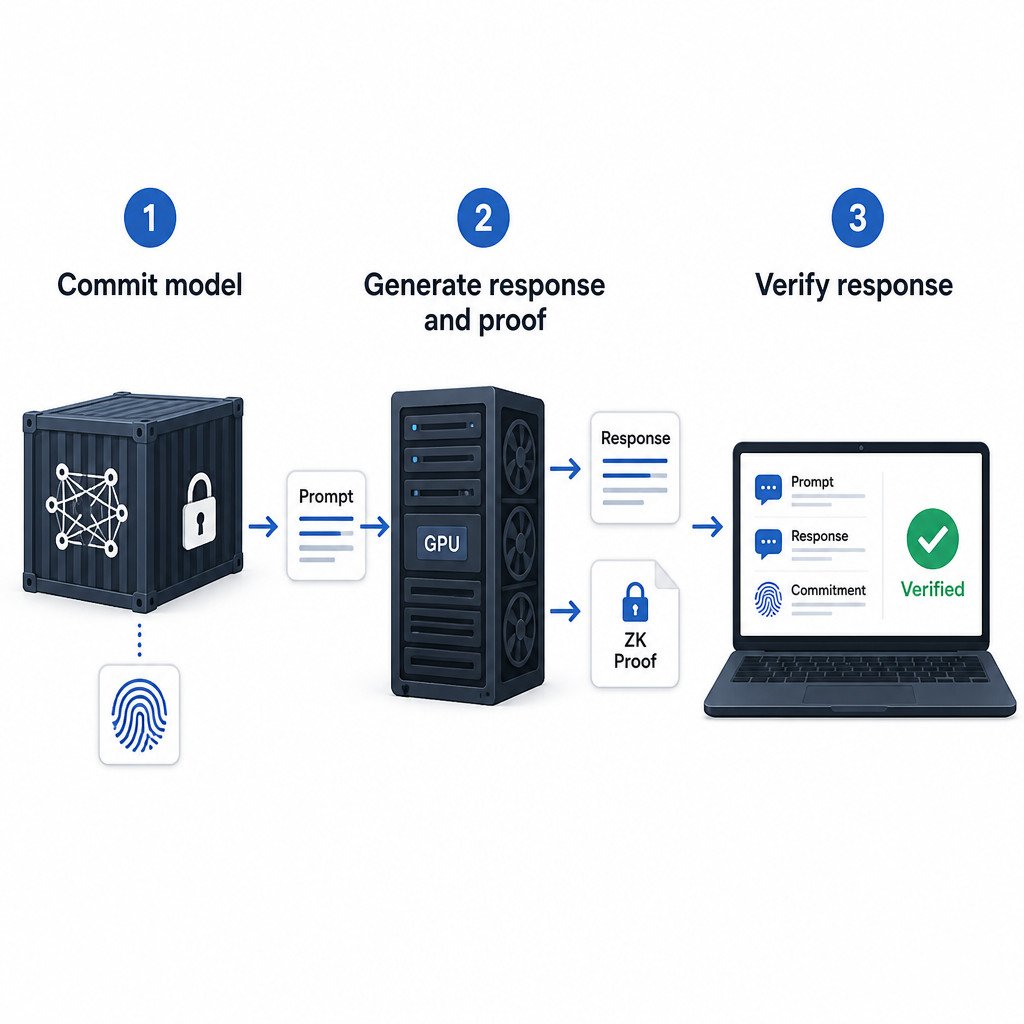
Three-step diagram showing a model commitment, proof generation, and independent verification of an AI response.

What Is Provable AI Inference? Verifying AI Model Responses

November 7, 2026

Provable AI inference uses cryptographic proofs to verify that an AI response came from a specific model without exposing the model’s private weights.

Read More
Tech Wiki
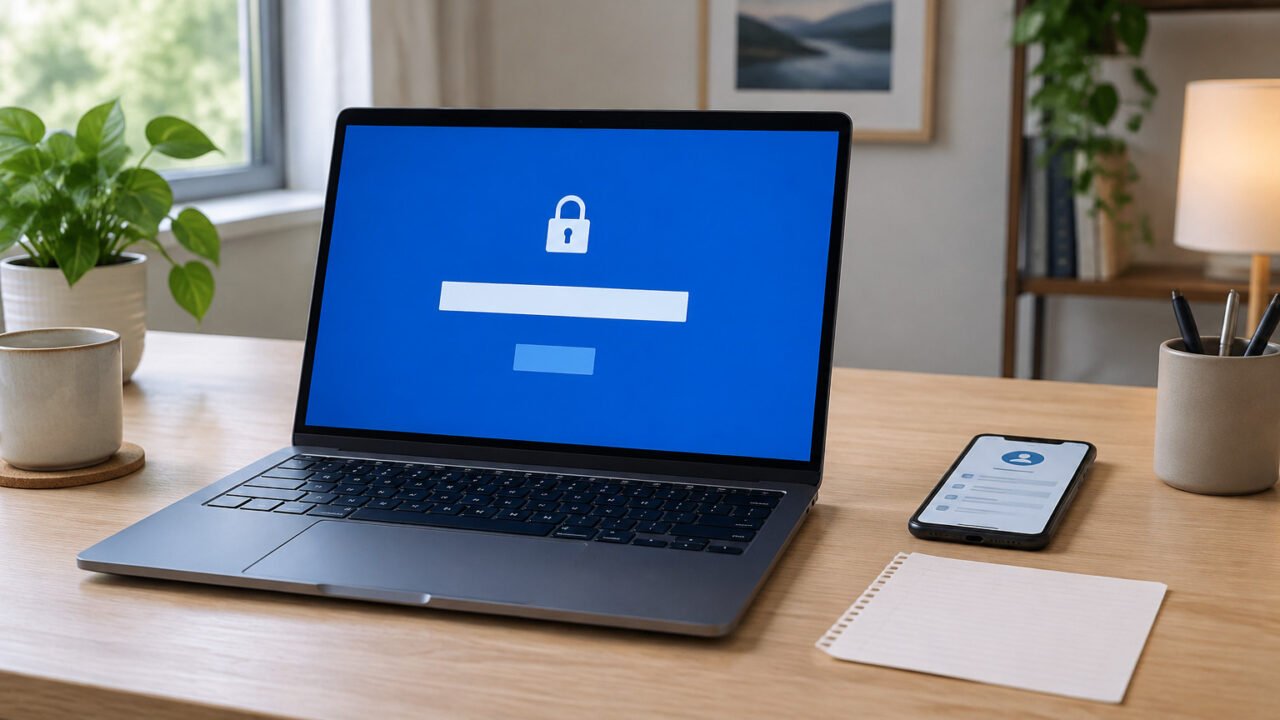
A BitLocker recovery prompt should be handled by locating and matching the correct recovery key before considering a reset.

BitLocker Recovery Screen in Windows 11: Find the Right Key and Avoid a Costly Reset

November 7, 2026

An unexpected BitLocker recovery screen does not automatically mean your files are gone. Match the Recovery Key ID on the screen to the correct 48-digit key, check the account or records that own the device, and treat a reset as the final option.

Read More
Tech Wiki
A Windows laptop, phone, and security key represent the main places a passkey can be used or stored.

How to Set Up and Manage Passkeys in Windows 11 Without Locking Yourself Out

November 7, 2026

Set up a Windows 11 passkey without losing access by keeping a working recovery route, choosing storage deliberately, and testing the new sign-in before changing anything else. This guide also explains how to replace passkeys safely when you change PCs.

Read More
Tech Wiki
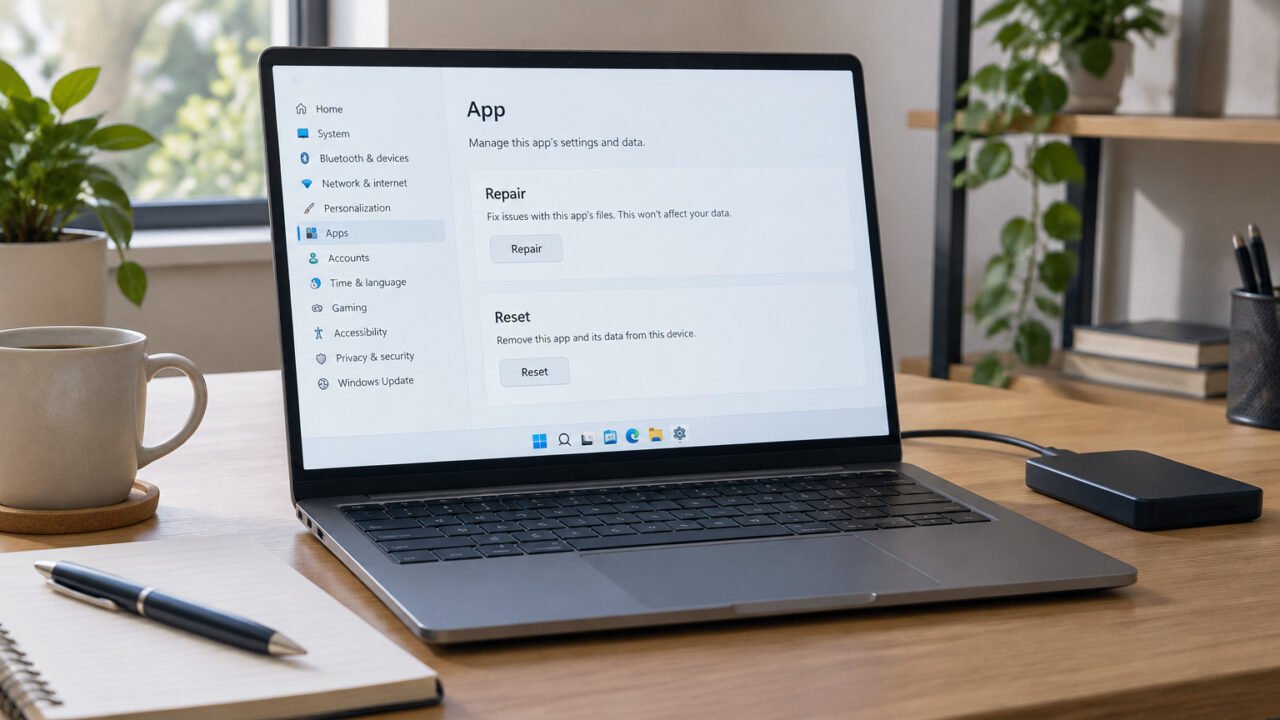
A Windows 11 app recovery decision should begin with protecting local data and trying Repair before Reset.

How to Repair or Reset a Windows 11 App Without Losing Data You Still Need

November 6, 2026

Repair is the safer first option for a misbehaving Windows 11 app because it attempts to fix the installation while retaining app data. Reset can remove local app data, preferences, and sign-in details, so use it only after checking how that app stores and syncs your information.

Read More
Tech Wiki
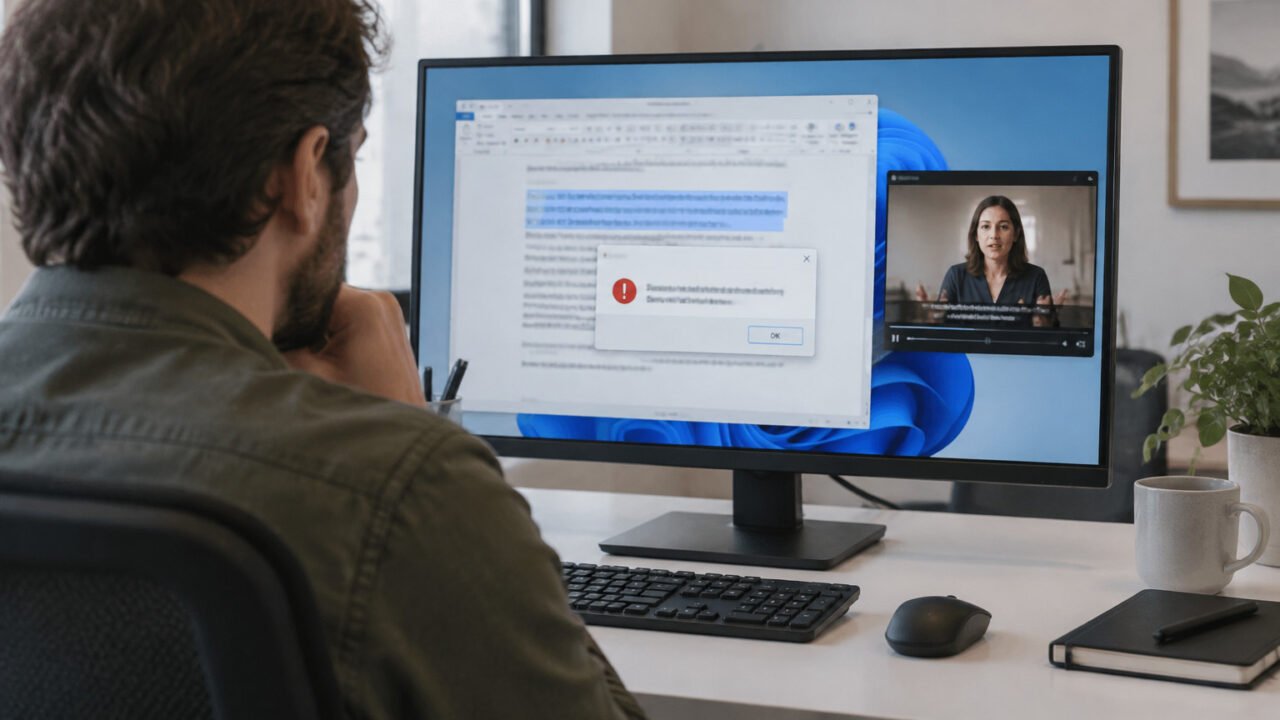
Selecting visible text from an on-screen dialog with PowerToys Text Extractor.

How to Copy Text From Images, Videos, and Unselectable Windows With PowerToys Text Extractor

November 6, 2026

PowerToys Text Extractor lets you copy visible on-screen text into the clipboard, even when an app, screenshot, or video does not let you select it. Use it for quick capture, then proofread the OCR result before relying on it.

Read More
Tech Wiki
A reusable n8n error workflow can route meaningful failure alerts to the people who need to investigate them.

How to Set Up an n8n Error Workflow for Useful Failure Alerts

November 5, 2026

Create one reusable n8n Error Trigger workflow and assign it to critical automations so unhandled failures produce an alert with enough context to investigate. This guide also covers safe retry decisions, testing, and the monitoring gap an error workflow cannot cover.

Read More
Tech Wiki
A disposable Windows Sandbox session can isolate an unfamiliar download from the normal desktop.

How to Use Windows Sandbox to Test a Download Without Giving It Access to Your Network or Files

November 5, 2026

Windows Sandbox gives you a disposable Windows desktop for checking an unfamiliar download. A small .wsb configuration file can disable networking and clipboard sharing while exposing only one read-only test folder.

Read More
Tech Wiki
A Docker Compose deployment can mount database credentials as files instead of passing them as environment variables.

How to Move Database Passwords Out of Docker Compose Environment Variables With Secrets

November 5, 2026

Docker Compose secrets let a database and application read passwords from mounted files instead of environment variables. This tutorial shows a least-privilege, file-backed setup and the limits you still need to plan for.

Read More
Tech Wiki
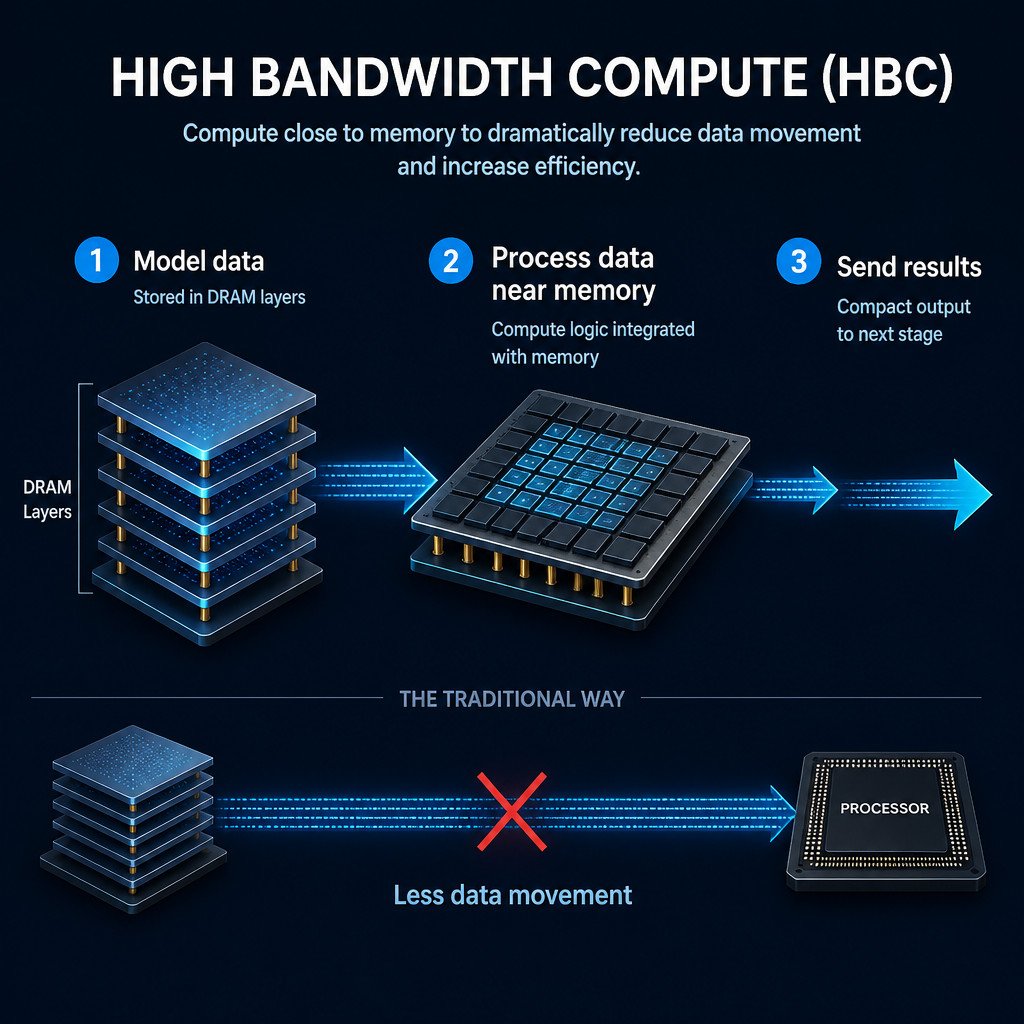
Infographic showing HBC processing AI model data near memory and sending only compact results onward.

What Is High Bandwidth Compute (HBC)? AI Memory Explained

November 4, 2026

High Bandwidth Compute is Qualcomm’s near-memory architecture for AI inference, designed to reduce data movement by bringing processing closer to memory.

Read More
Tech Wiki
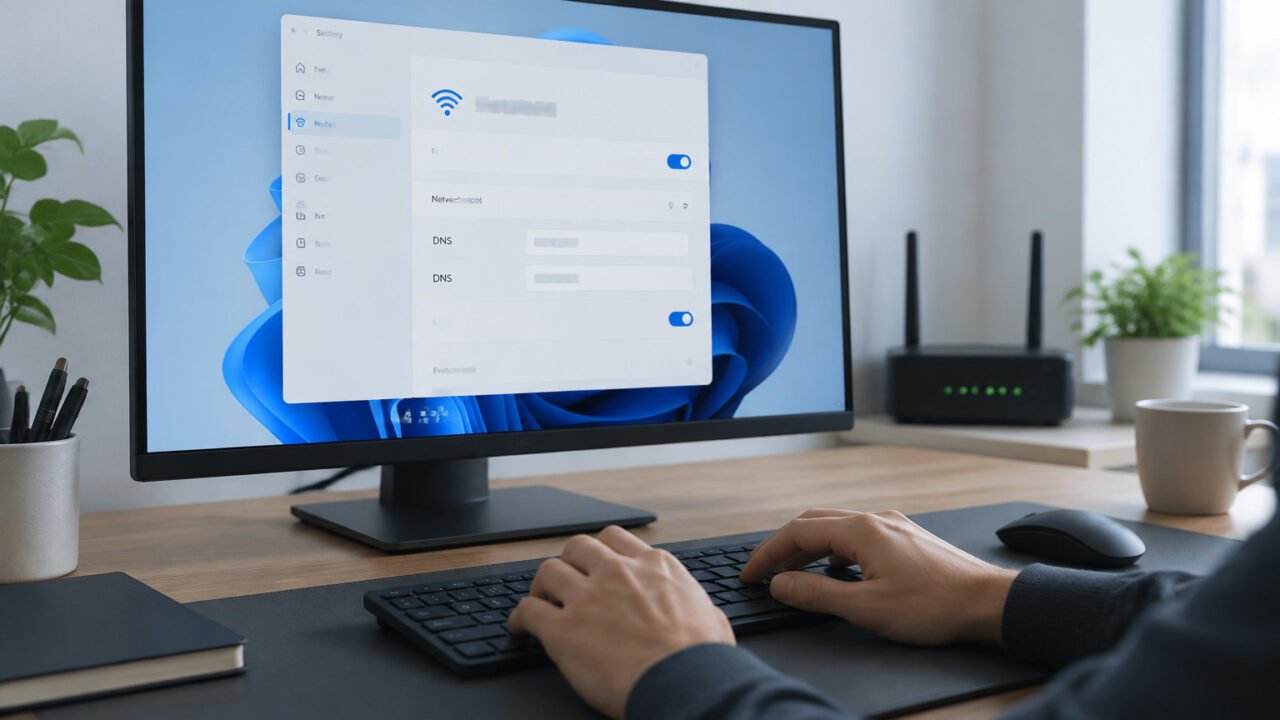
A Windows 11 PC being configured and tested for DNS name-resolution problems.

How to Set Up DNS over HTTPS in Windows 11—and Test Whether DNS Is Actually the Problem

November 4, 2026

DNS over HTTPS can encrypt the DNS lookups made by your Windows 11 PC, but it will not repair every internet problem. This guide shows how to test name resolution first, configure DoH safely, and roll back if your connection depends on workplace or network-specific DNS.

Read More
Tech Wiki
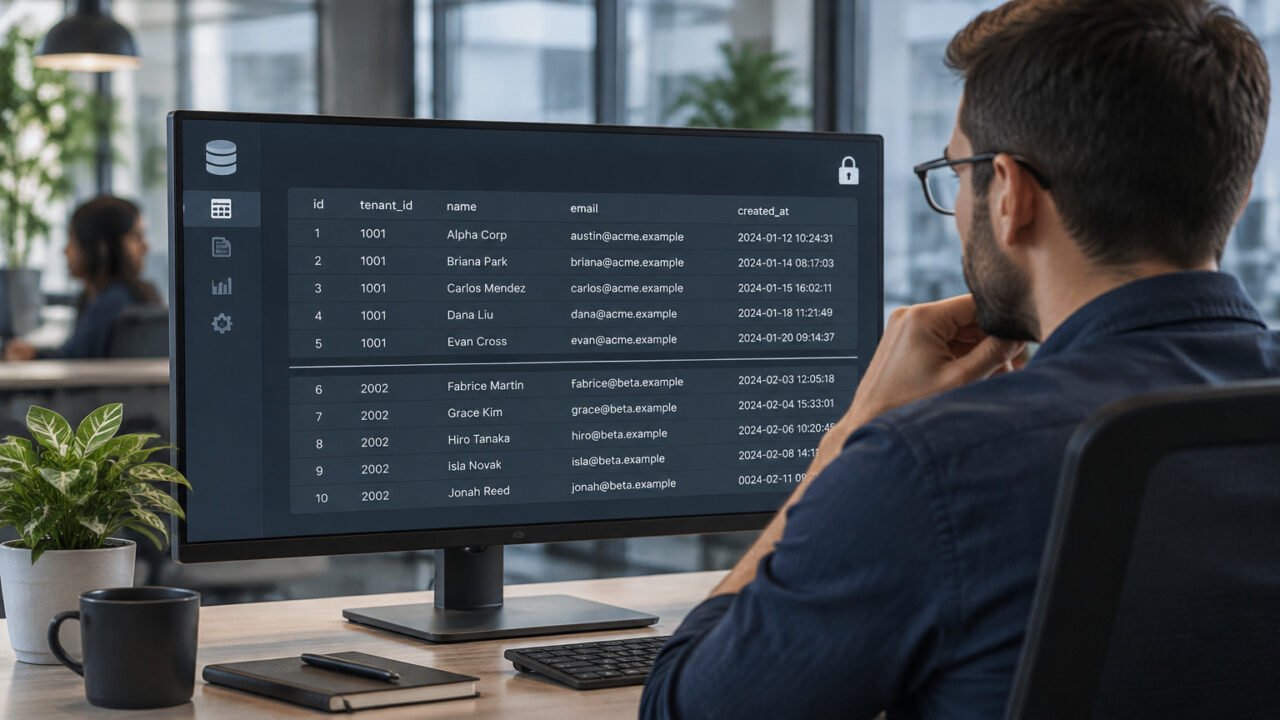
A database table protected by role-based row-level access controls.

How to Use PostgreSQL Row-Level Security to Isolate Tenant Data

November 4, 2026

PostgreSQL Row-Level Security adds a database-side rule that prevents tenant roles from reading or writing another tenant's rows. This practical example uses separate roles, minimal grants, read and write policies, and tests for both allowed and denied access.

Read More
Tech Wiki
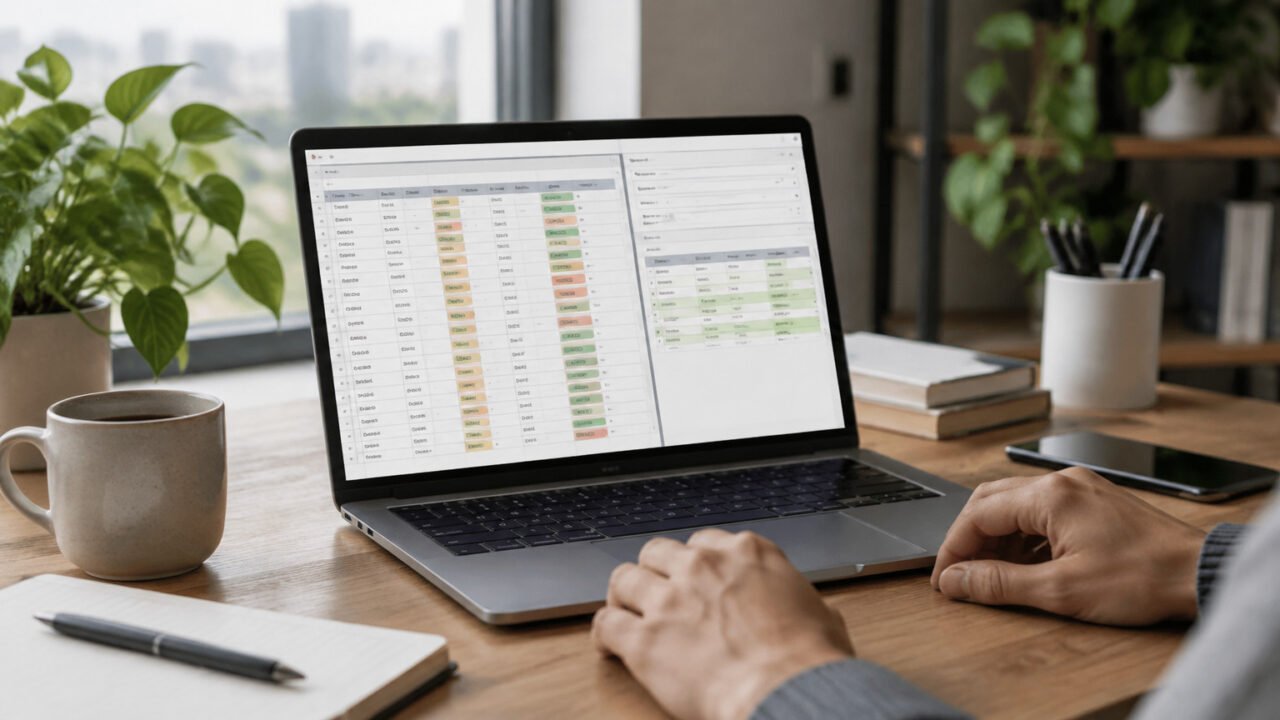
A spreadsheet can show a live filtered task list while leaving the full source table visible.

How to Use Excel’s FILTER Function to Build a Live List Without Hiding Your Source Data

November 3, 2026

Excel’s FILTER function creates a separate, automatically updating list from your source data. Learn the formula syntax, multiple conditions, sorting, and the fixes for common #SPILL! and #CALC! errors.

Read More
Older posts
Newer posts
← Previous Page1 Page2 Page3 … Page15 Next →
  • Sitemap
  • Privacy Policy
  • Disclaimer
  • Contact Us
  • About Us
  • Manage Your Consent
© 2026 Techies Diary by SI Digital's
  • Home
  • How To
  • Tech Wiki
  • Solved Problems
  • Tools
  • Websites
  • Webstories
  • About Us
    • Contact Us
  • Privacy Policy
  • Disclaimer