Skip to content

Techies Diary

  • 🔥Tech Trends
  • How To
  • Fixed Issues
  • Tech Wiki
  • Topics
    • Webstories
    • Tools
    • Websites
  • Must Have
    • 30+ Essential Apps for Windows
    • 20+ Excel Formulas (Advanced)
    • 100+ Use of Popular Emojis
  • About Us
    • Contact Us
    • Privacy Policy
    • Disclaimer
Techies Diary

Techies Diary

  • 🔥Tech Trends
  • How To
  • Fixed Issues
  • Tech Wiki
  • Topics
    • Webstories
    • Tools
    • Websites
  • Must Have
    • 30+ Essential Apps for Windows
    • 20+ Excel Formulas (Advanced)
    • 100+ Use of Popular Emojis
  • About Us
    • Contact Us
    • Privacy Policy
    • Disclaimer

Tips & Tricks

Tips & Tricks
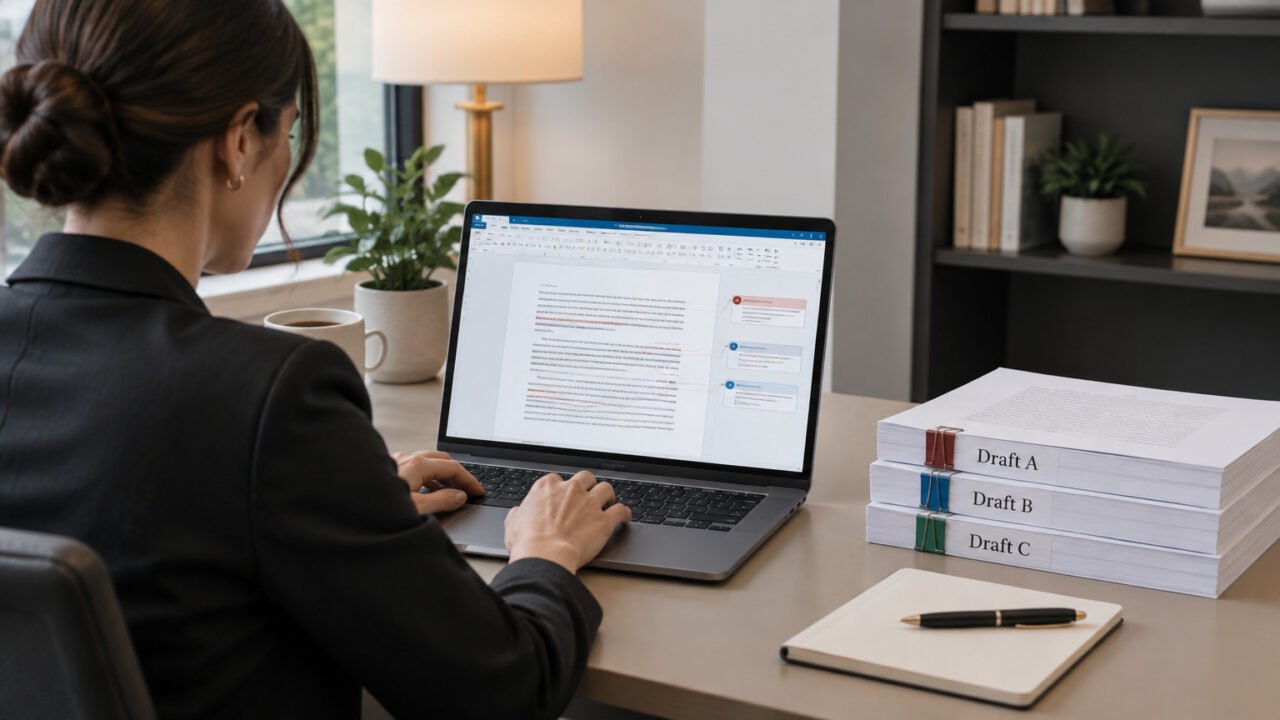
A reviewed document being consolidated from several separate copies into one tracked master.

How to Combine Multiple Reviewed Copies in Microsoft Word Without Losing Anyone’s Changes

November 9, 2026

Use Word’s Combine command to merge separately edited review copies into one tracked master, one reviewer at a time. This workflow preserves a version you can inspect before accepting or rejecting each change.

Read More
Tips & Tricks
A site administrator reviews a private error log while keeping visitor-facing pages clean.

How to Enable WordPress Debug Logging Without Displaying PHP Errors to Visitors

November 9, 2026

Capture useful WordPress and PHP error details in a debug log while keeping error output off public pages. This guide shows the safe wp-config.php settings, how to read the resulting entries, and when to turn debugging back off.

Read More
Tips & Tricks
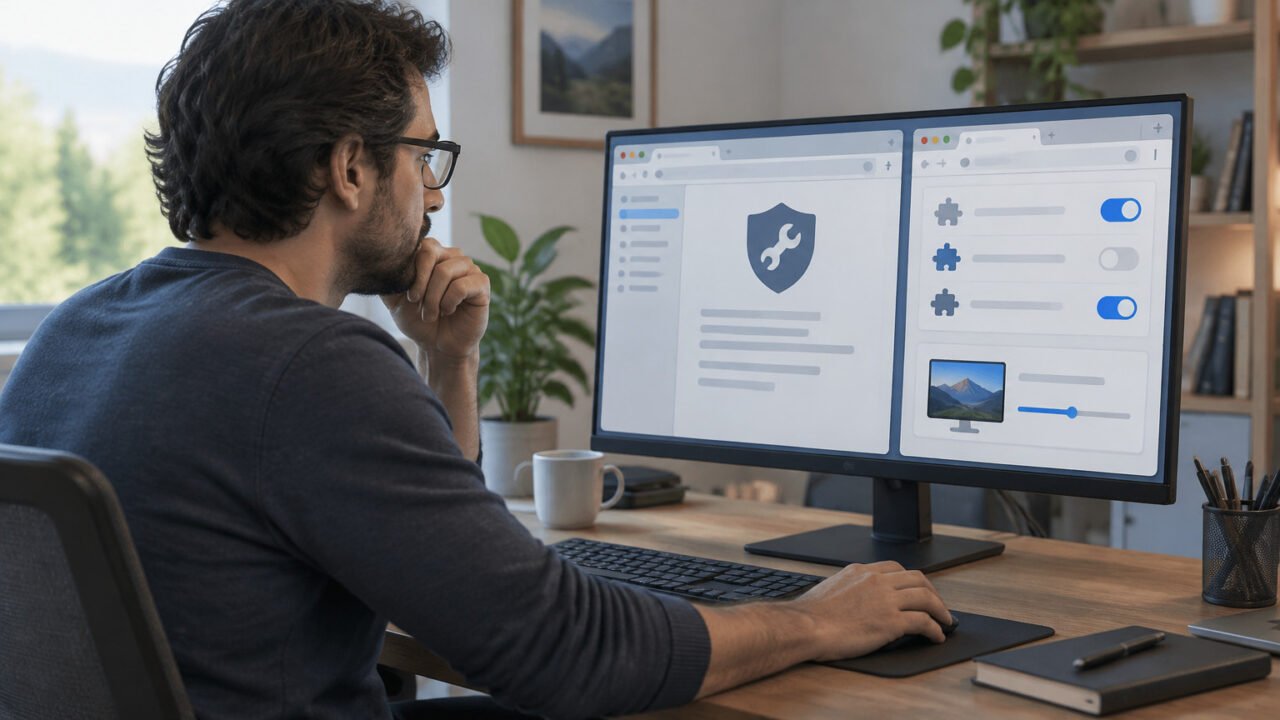
A controlled Firefox troubleshooting session compares normal browsing with a temporary simplified setup.

How to Use Firefox Troubleshoot Mode to Find the Extension, Theme, or Graphics Setting Causing a Problem

November 8, 2026

Firefox Troubleshoot Mode is a temporary diagnostic test that disables common sources of browser trouble without erasing your profile. Use it to compare the same failing task, then test hardware acceleration and extensions separately to identify the likely cause.

Read More
Tips & Tricks
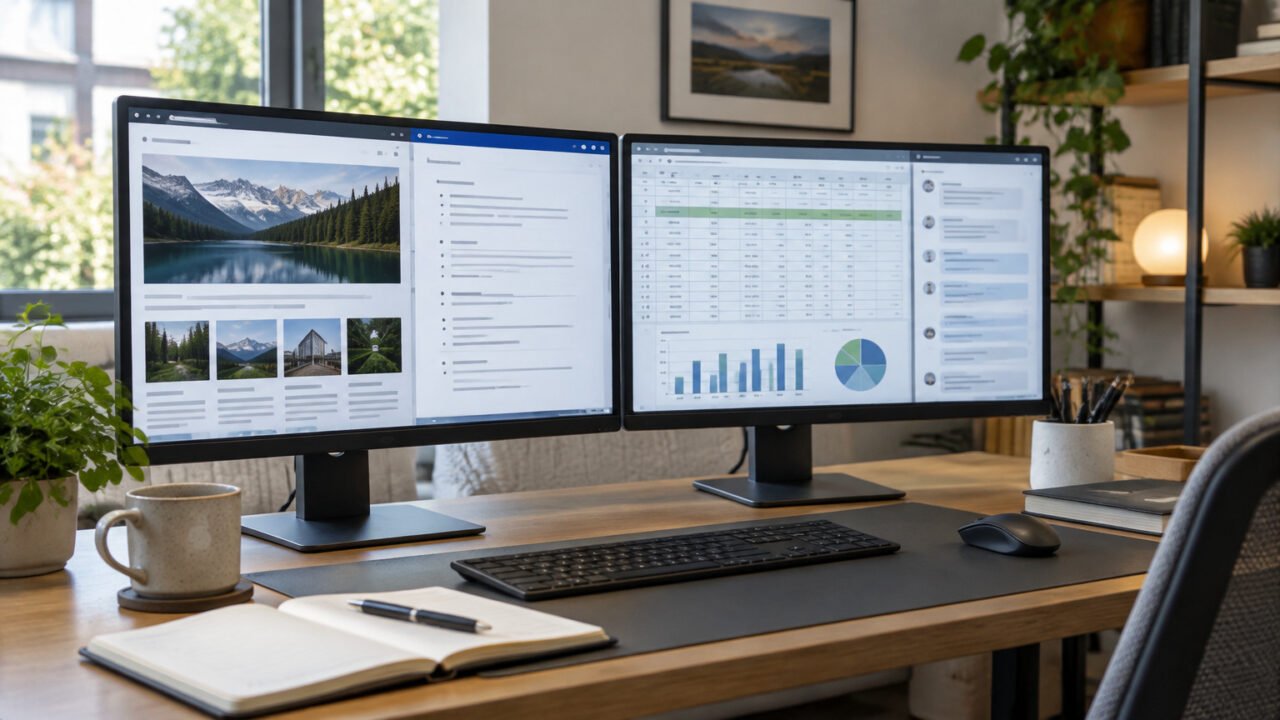
A repeatable multi-window project layout on a Windows desktop.

How to Use PowerToys Workspaces to Reopen a Project Setup in Windows 11

November 8, 2026

PowerToys Workspaces can launch a saved set of project apps and place their windows in a planned layout. It is useful for repeatable setups, but it does not guarantee that each app will restore its tabs, documents, or internal session.

Read More
Tips & Tricks
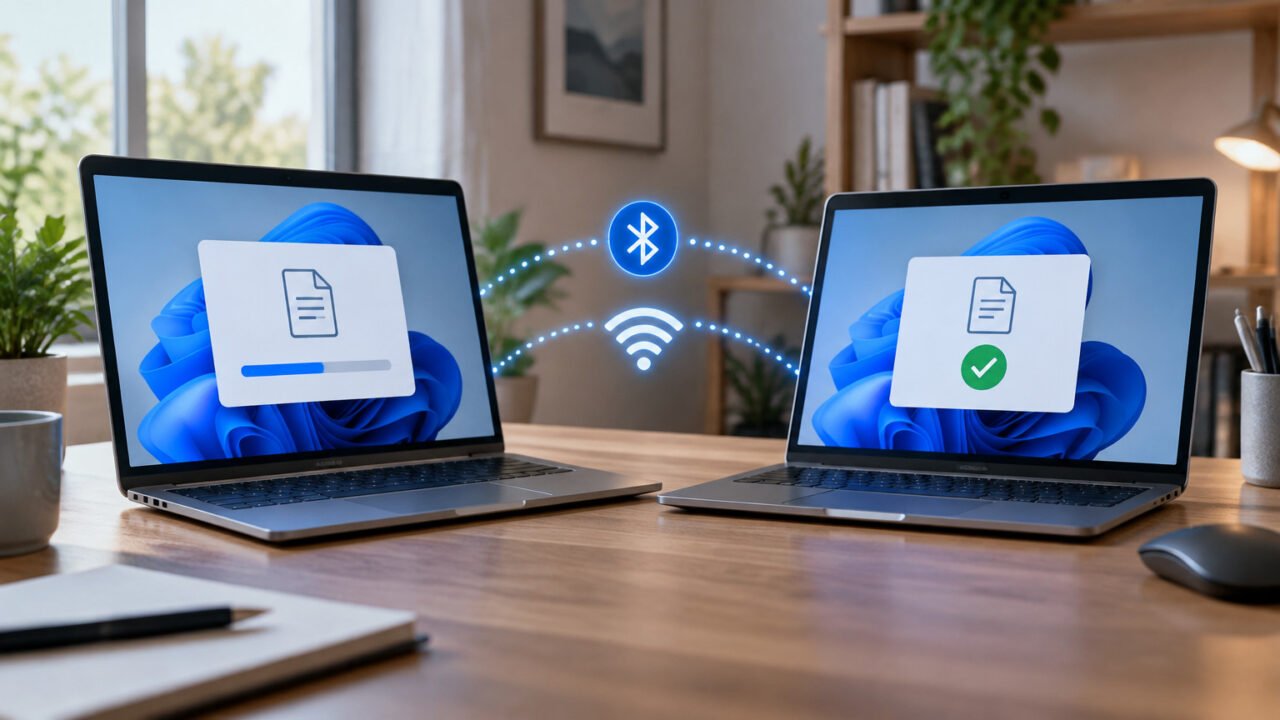
Two nearby Windows PCs exchanging a file through Nearby Sharing.

How to Use Nearby Sharing in Windows 11 to Send Files Between PCs—and Fix It When a Device Does Not Appear

November 8, 2026

Nearby Sharing lets two nearby Windows 11 PCs exchange files, photos, and web links without email, cloud storage, or a USB drive. Set it up on both PCs, choose the right discovery setting, and use a short hardware and network checklist if the other device is missing.

Read More
Tips & Tricks
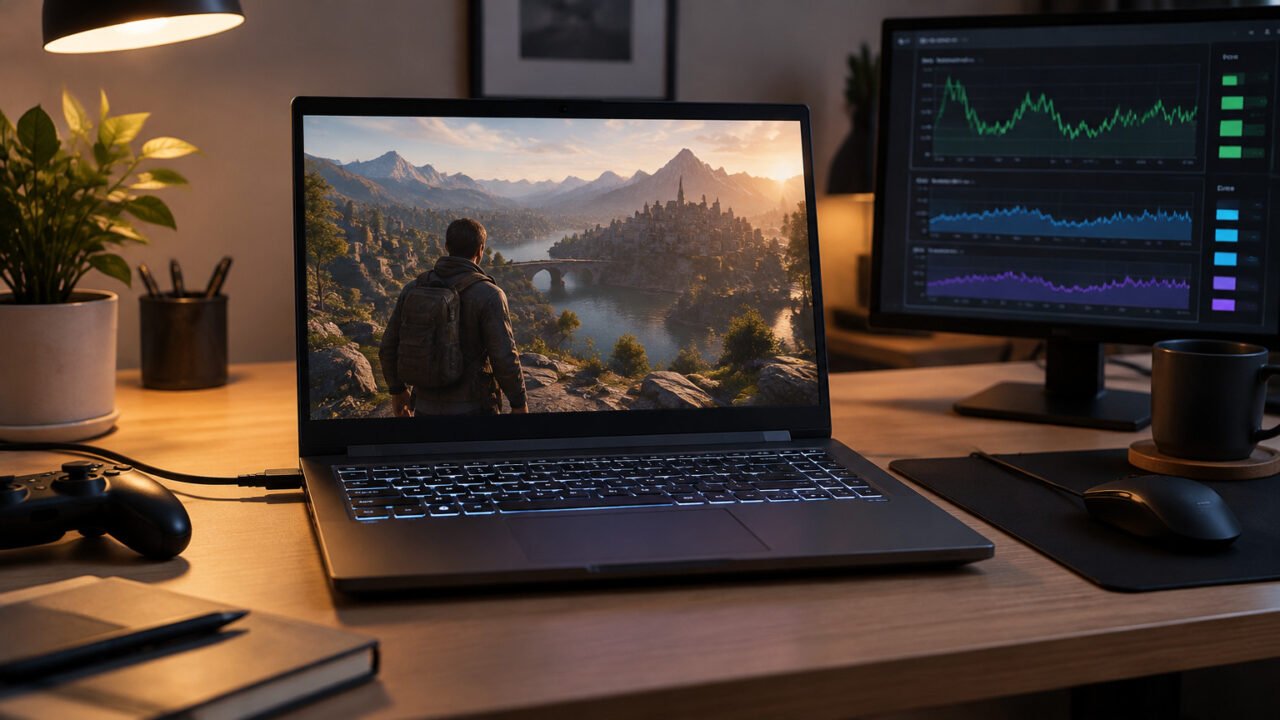
A gaming laptop being tested while connected to power, a useful setup for comparing graphics performance.

How to Make a Game Use Your Dedicated GPU in Windows 11—and Confirm It Actually Did

November 7, 2026

If a laptop game is performing poorly, set the game's actual executable to High performance in Windows 11, then verify GPU activity in Task Manager. This preference helps on PCs with integrated and dedicated graphics, but it is not a guarantee that the GPU is the only performance limit.

Read More
Tips & Tricks
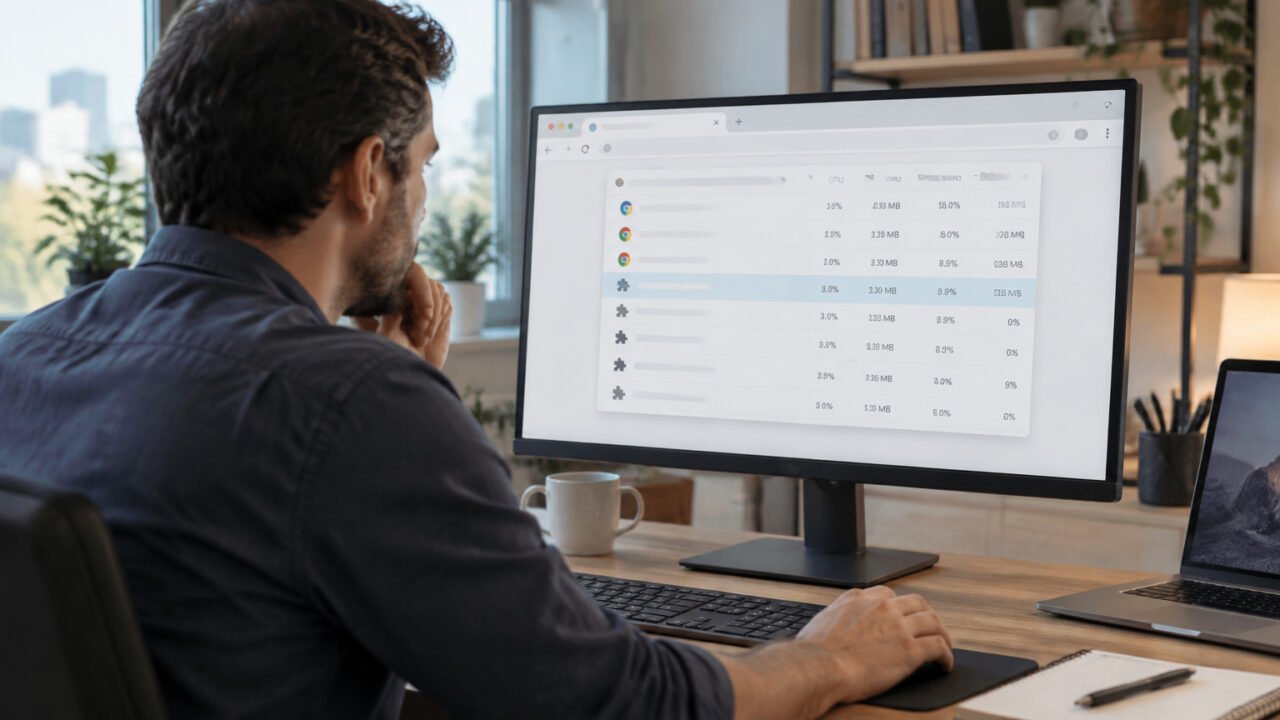
Chrome Task Manager can isolate a resource-heavy tab or extension without closing the entire browser.

How to Use Chrome Task Manager to Find the Tab or Extension Slowing Down Your Browser

November 4, 2026

Chrome Task Manager lets you identify which tab, extension, or background process is using unusual memory or CPU before you restart the entire browser. Use it to isolate the problem, test one change at a time, and choose a proportionate fix.

Read More
Tips & Tricks
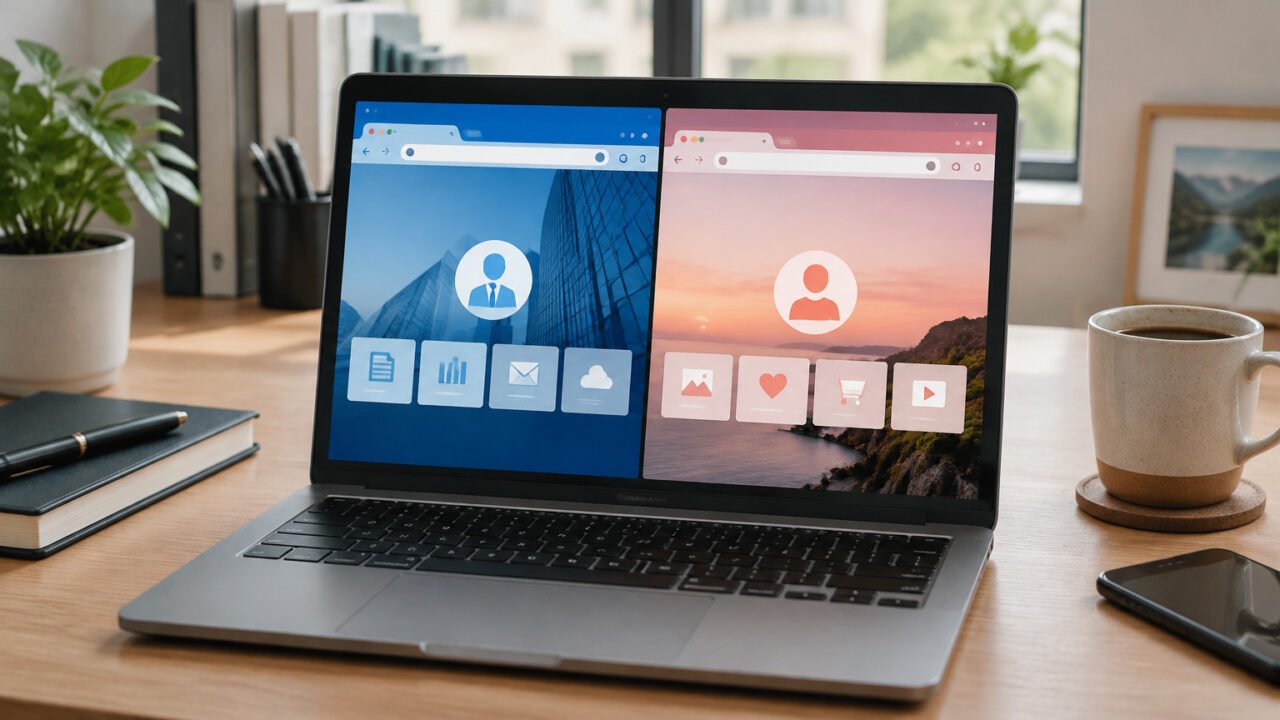
Separate browser profiles help keep work and personal browsing contexts distinct on one computer.

What Is a Browser Profile? Separate Work and Personal Browsing Without Mixing Data

November 3, 2026

A browser profile is a separate browsing space within one browser, with its own accounts, bookmarks, passwords, extensions, and preferences. It is useful for organization and account separation, but it is not a strong security boundary on a shared computer.

Read More
Tips & Tricks
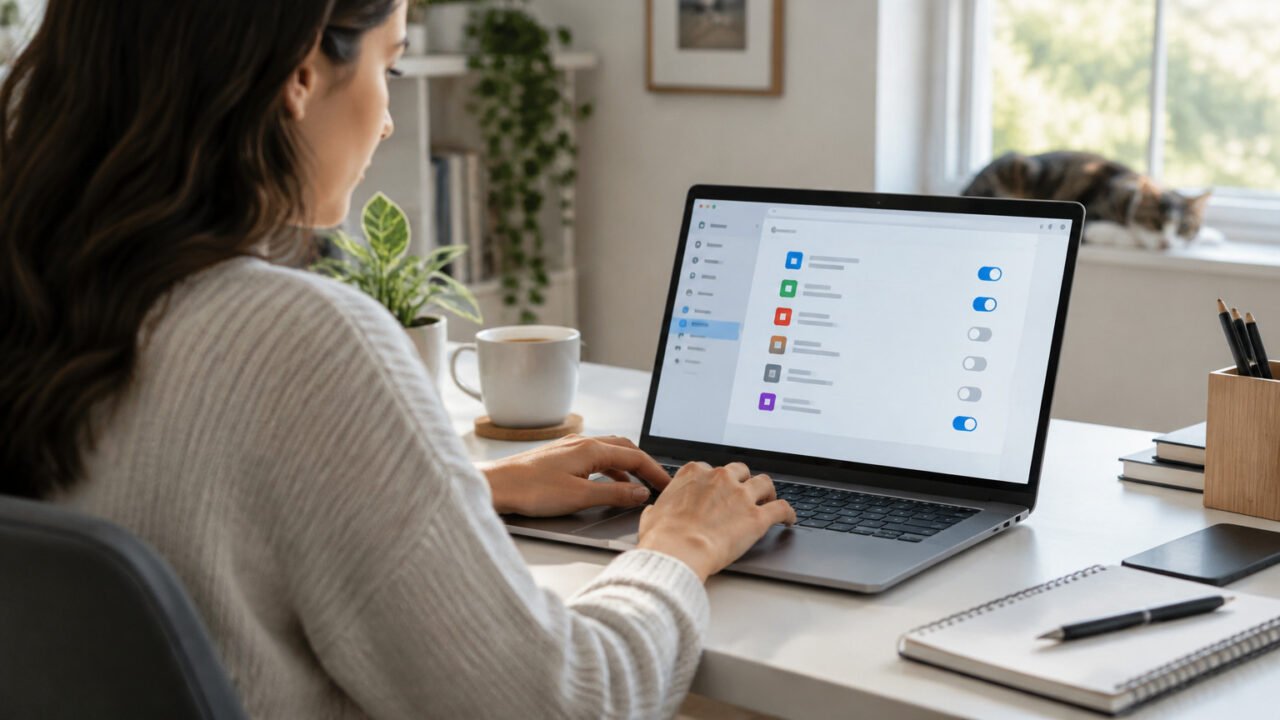
Reviewing startup apps can reduce unnecessary activity after signing in to Windows 11.

How to Disable Startup Apps in Windows 11 Without Breaking the Tools You Need

November 3, 2026

Startup apps can make a Windows 11 PC feel slow immediately after sign-in, but not every entry is safe or useful to disable. This guide shows how to make low-risk changes, test them, and restore anything you need.

Read More
Tips & Tricks
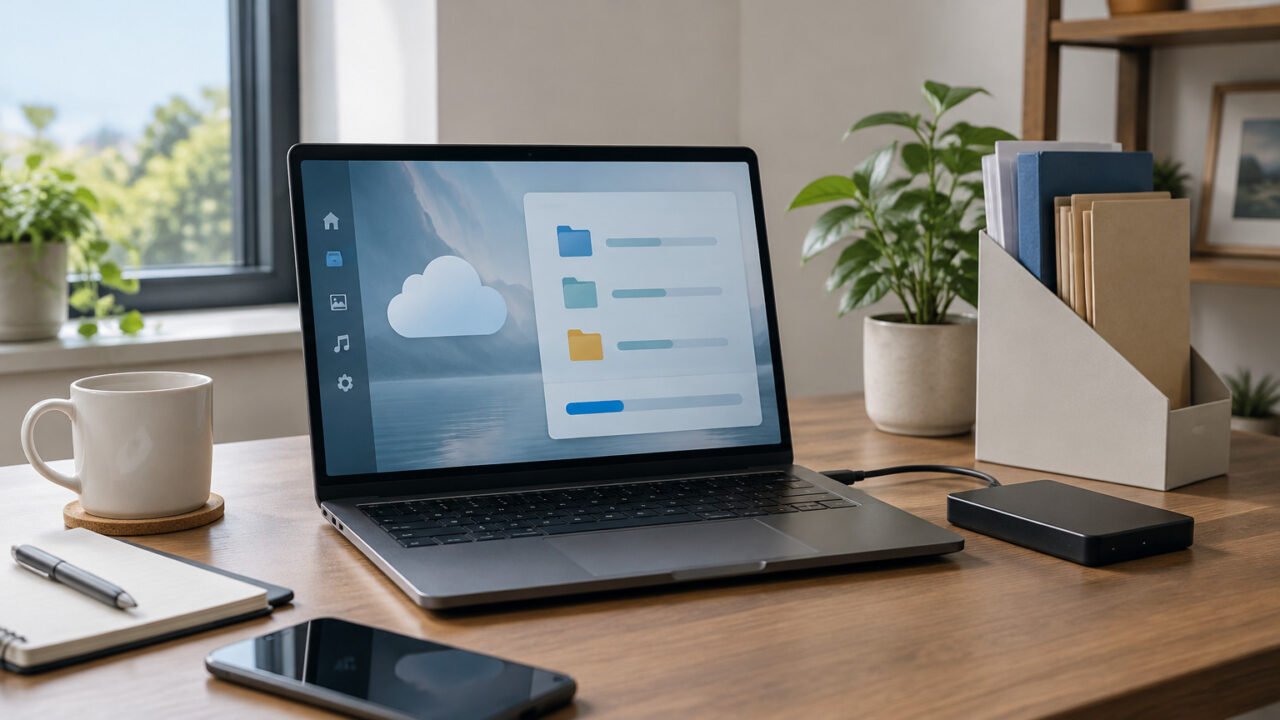
Reviewing Windows storage settings before an automated cleanup.

How to Use Storage Sense in Windows 11 Without Accidentally Clearing Downloads or Offline OneDrive Files

November 1, 2026

Storage Sense can reclaim space on the Windows system drive, but its Downloads, Recycle Bin, and OneDrive controls deserve a deliberate review. This guide shows a conservative setup and explains when to use manual cleanup instead.

Read More
Tips & Tricks
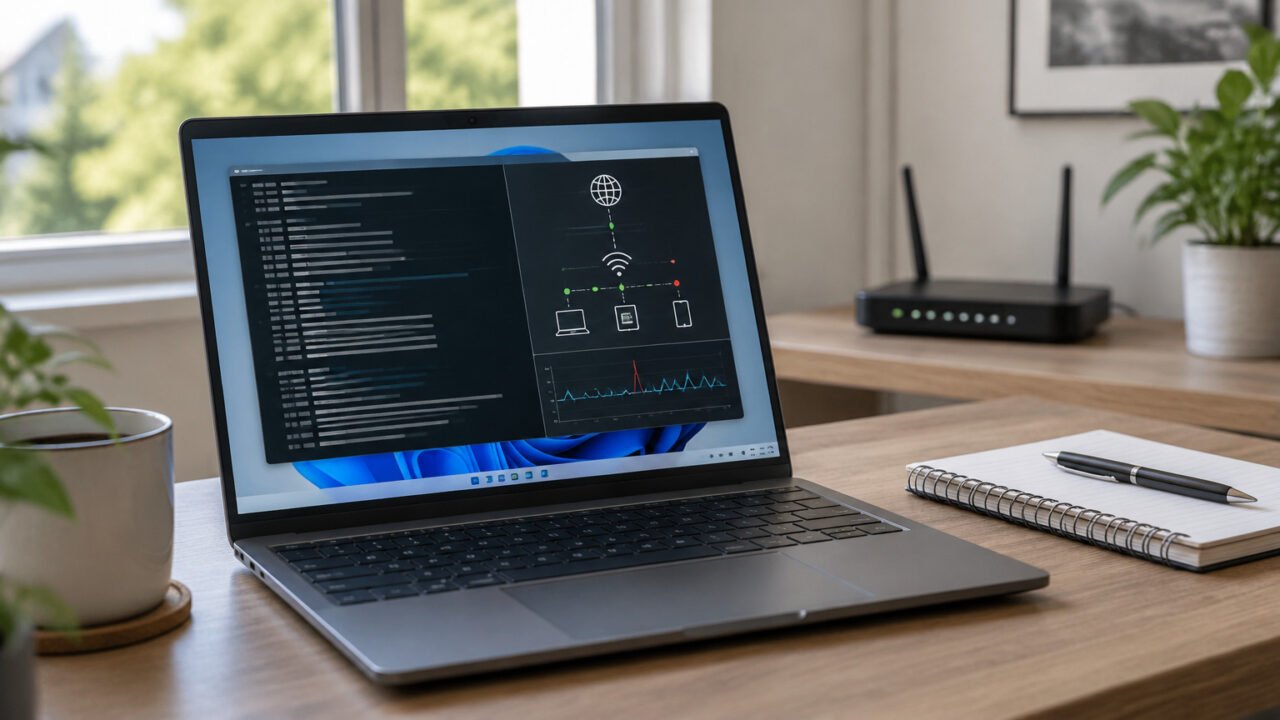
A Windows 11 laptop being used to troubleshoot a persistent connection problem before resorting to a full network reset.

How to Reset Winsock and TCP/IP in Windows 11 Without Jumping Straight to Network Reset

November 1, 2026

When Windows 11 shows a normal network adapter but browsers or apps still cannot connect, reset Winsock first and TCP/IP only if needed. This guide explains what each command changes, what to save before running it, and when Network Reset is the better last resort.

Read More
Tips & Tricks
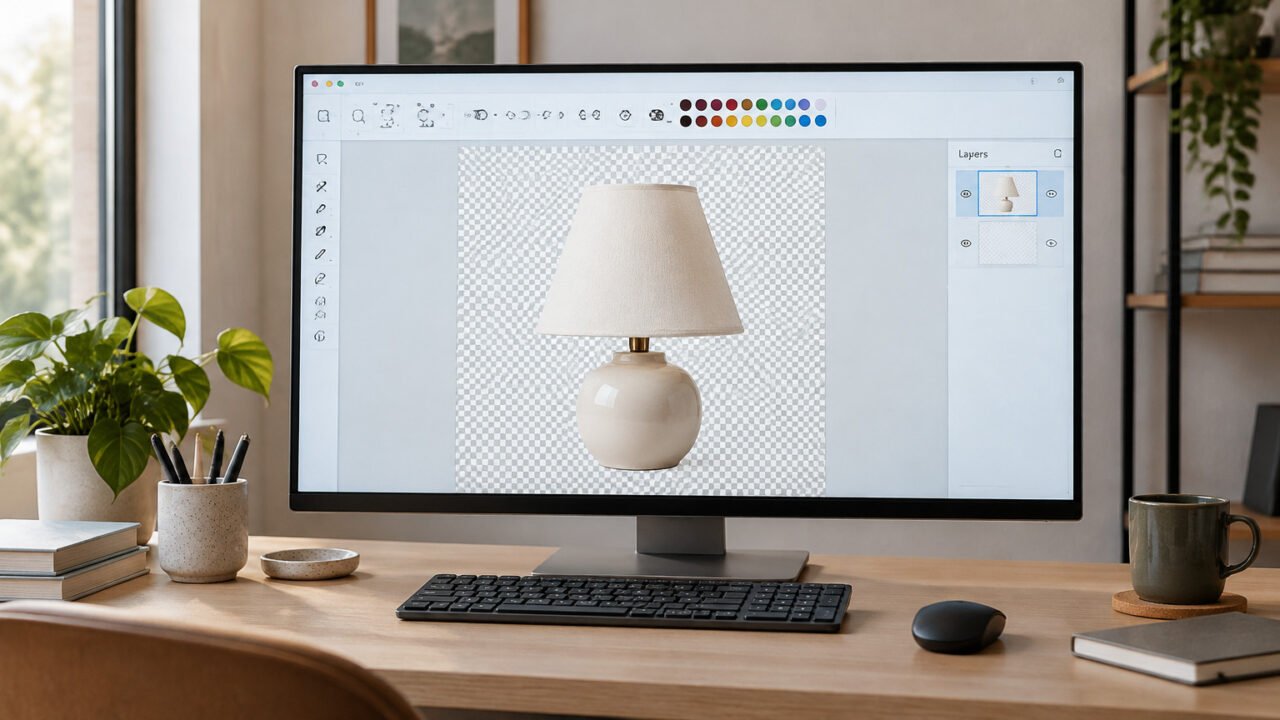
A cutout image in Microsoft Paint shown against the checkerboard pattern used for transparent areas.

How to Make a Transparent PNG in Microsoft Paint on Windows 11

October 31, 2026

Use Microsoft Paint's Remove Background tool, inspect the checkerboard transparency, and save the result as PNG. This guide also shows how to use layers to spot missed background pixels before exporting.

Read More
Older posts
Newer posts
← Previous Page1 Page2 Page3 … Page10 Next →
  • Sitemap
  • Privacy Policy
  • Disclaimer
  • Contact Us
  • About Us
  • Manage Your Consent
© 2026 Techies Diary by SI Digital's
  • Home
  • How To
  • Tech Wiki
  • Solved Problems
  • Tools
  • Websites
  • Webstories
  • About Us
    • Contact Us
  • Privacy Policy
  • Disclaimer