When Windows says Wi-Fi is connected but nothing online works, the wireless link may be fine while DHCP, DNS, a proxy, VPN, router, or ISP connection is not. This diagnostic flow isolates the failing layer before you reset network settings.
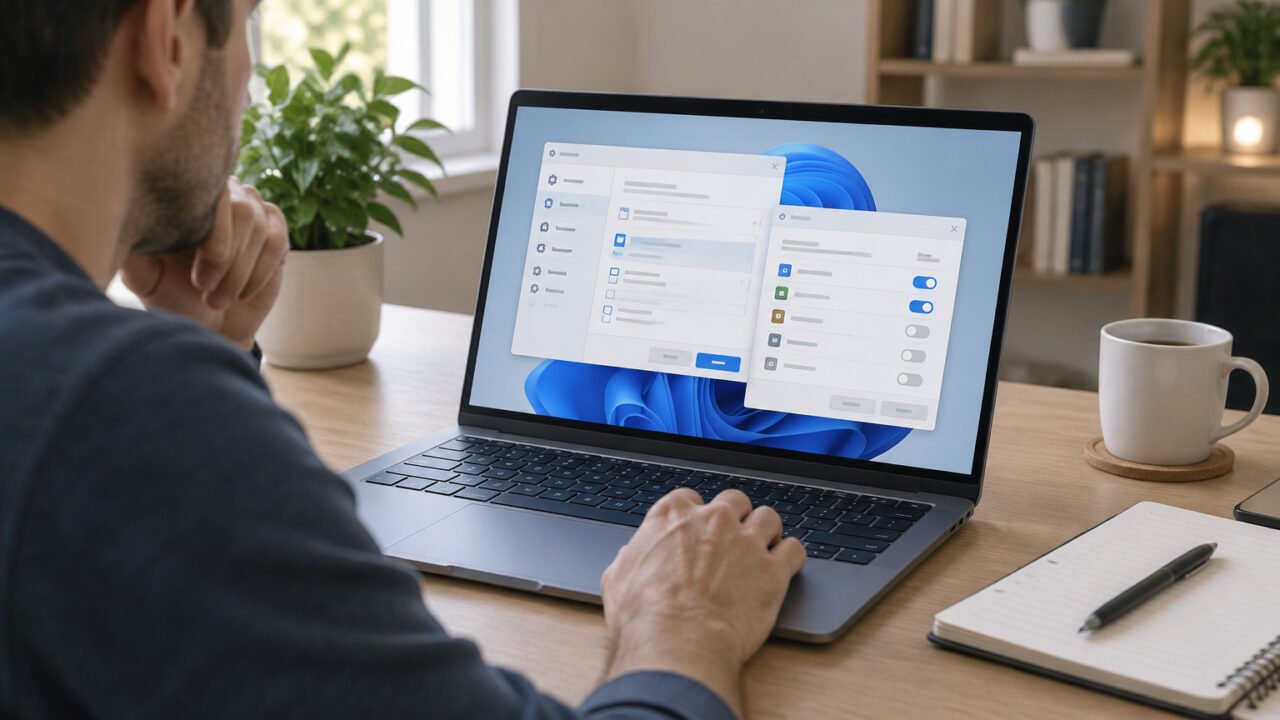
A clean boot temporarily prevents non-Microsoft services and startup apps from loading, helping you test whether background software is causing a specific Windows problem. Learn how to run the test, isolate the conflict efficiently, and restore normal startup settings.
Excel's LET function lets you assign clear, formula-local names to intermediate calculations. It is useful when a formula repeats the same expression or has become difficult to review and update safely.
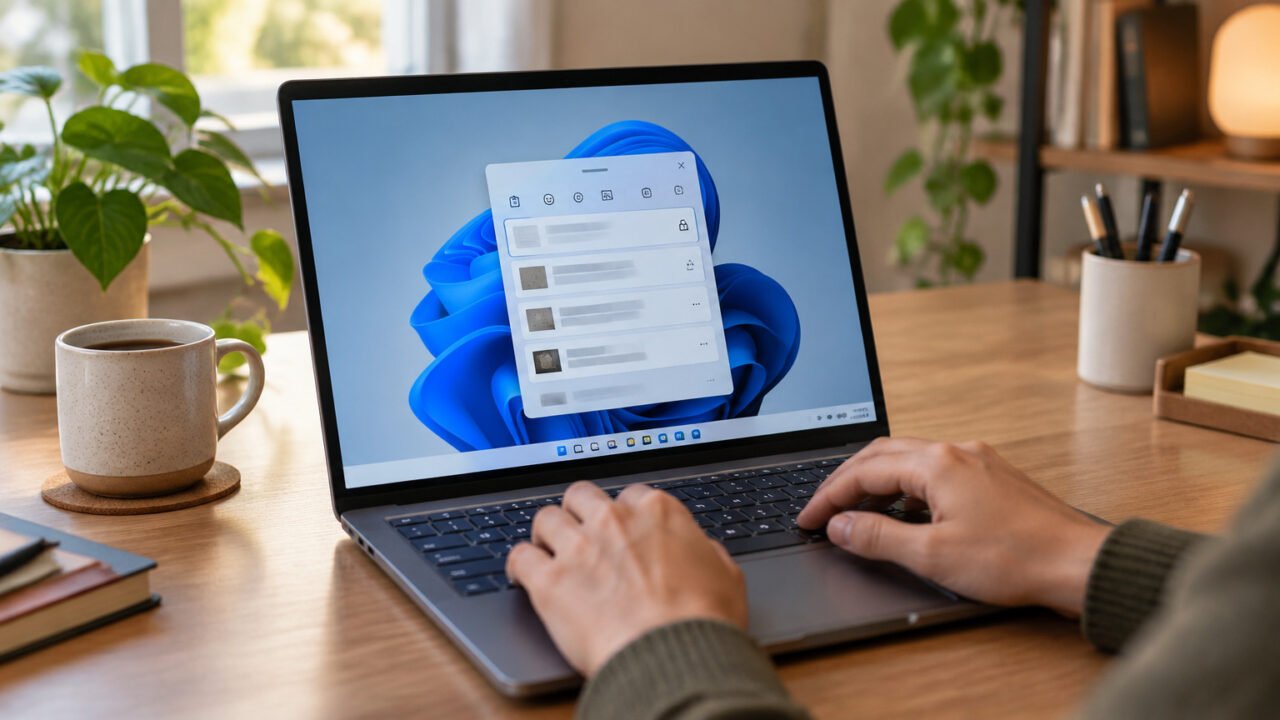
Clipboard History lets you reuse recently copied text, links, and images with Win+V instead of copying them again. This guide shows how to use it locally in Windows 11, manage saved items, and keep cross-device syncing disabled for sensitive work.
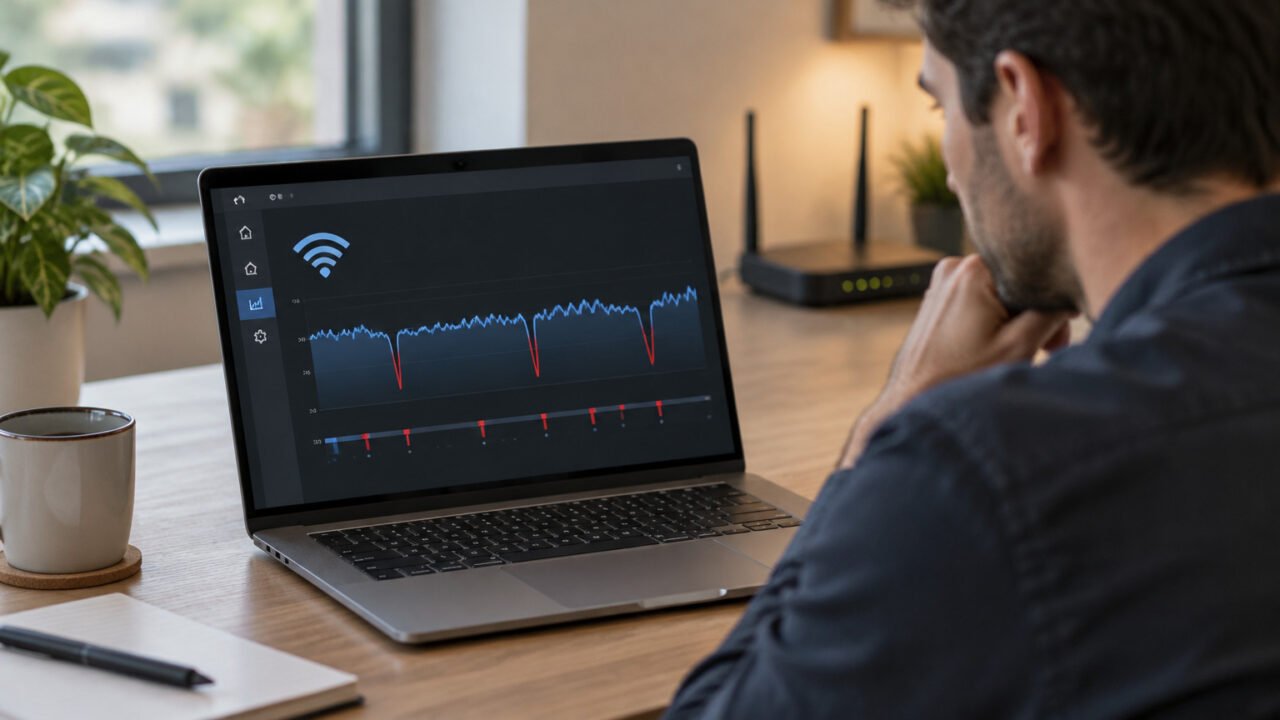
Windows 11 can create an HTML history of recent Wi-Fi sessions, failures, adapter details, and disconnect events. Learn how to generate the wireless network report, match it to a dropout, and choose a proportionate next step before resetting your network.
Chrome saves permission choices for individual websites, which can cause unwanted notifications or prevent a trusted site from using your camera, microphone, or location. This guide shows how to review those rules and make targeted fixes without weakening your browser-wide defaults.
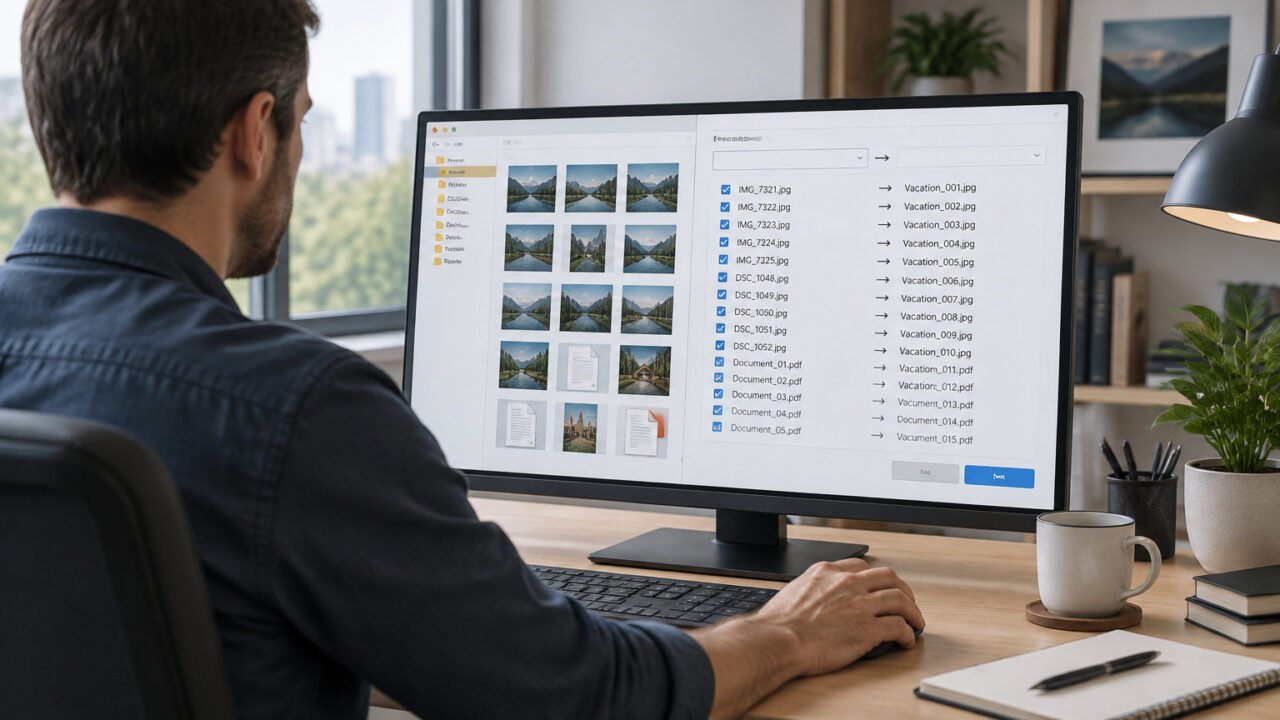
PowerRename, included with Microsoft PowerToys, lets you preview and safely apply consistent names to groups of files. This guide covers replacements, prefixes, capitalization, numbering, and a simple date-format conversion.
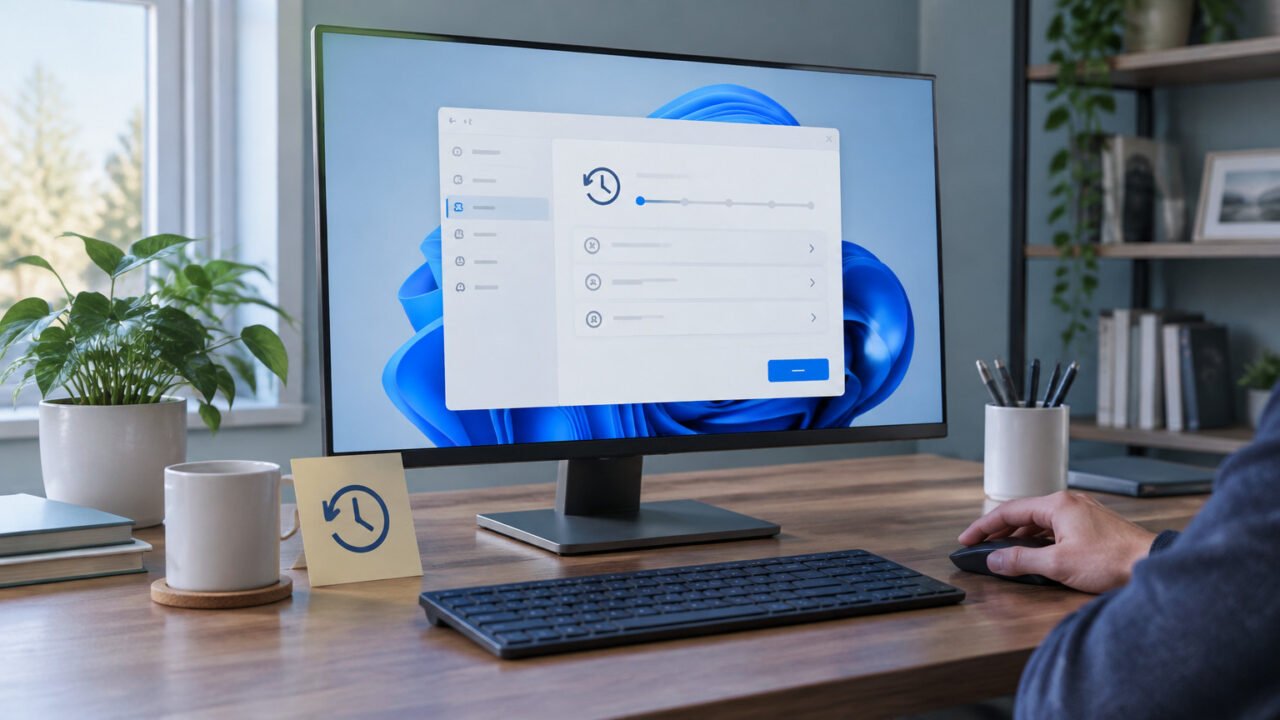
Create a Windows 11 restore point before installing an unfamiliar driver, system utility, or making a significant settings change. It can roll back system changes if something goes wrong, but it is not a replacement for backing up personal files.
Repair Windows 11 in the least disruptive order: address updates first, repair the component store with DISM, scan system files with SFC, and use a repair reinstall only when needed. This guide explains what each option changes and when to move to the next step.
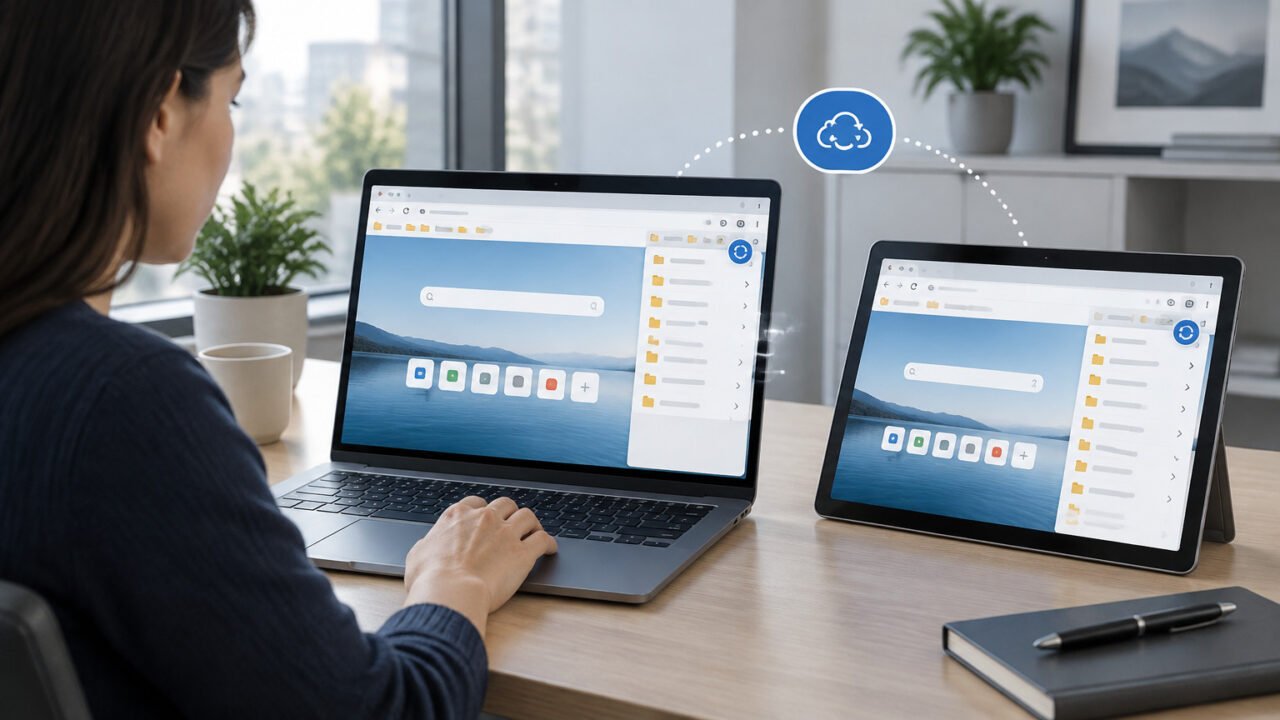
Fix Edge sync problems by checking the signed-in account and sync categories first, then re-syncing the affected device before considering a cloud sync reset. Back up favorites before making account-level changes, and avoid clearing synced browsing data as a first fix.
Game stutter and FPS drops often come from a temporary CPU, memory, disk, GPU, network, or power constraint rather than one universal Windows setting. This checklist helps you isolate the likely cause with reversible changes before considering a reinstall.
Windows includes a built-in battery report that can help separate normal battery wear from a temporary drain problem. Learn how to create the report, compare full-charge capacity with design capacity, and interpret the results without relying on a single number.